Setting the franking imprint
51
5.2 Advertising imprints
The PostBase can print up to two advertising imprints of your choice on your mail
pieces. Advertising imprints may be:
– Graphical adverts
– Text messages / SMS texts (not in all countries).
You can print advertising imprints in any order.
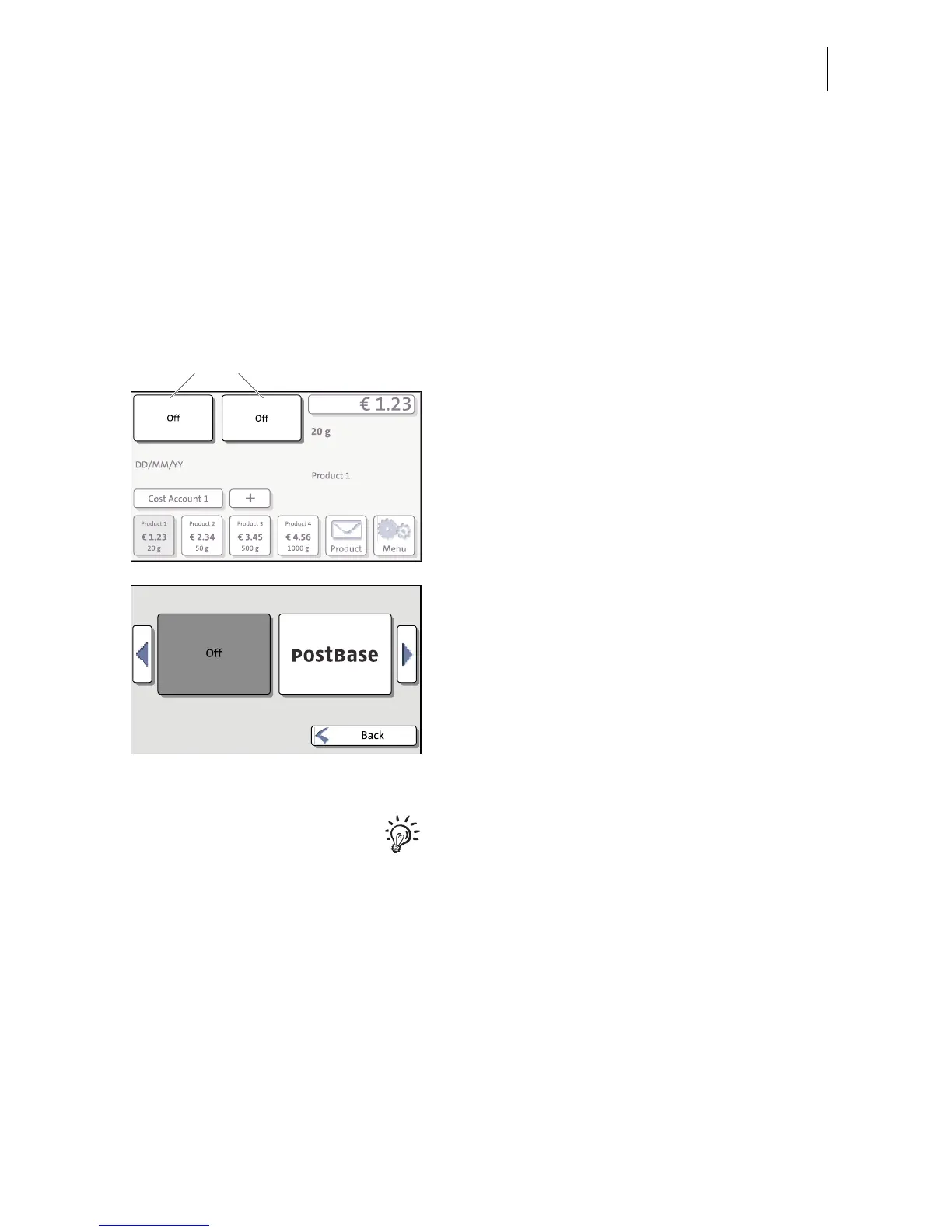
To set the advertising imprint
In the Home screen:
• Press one of the advertising imprint
buttons.
You see a list with all available advertising
imprints.
• Chose the desired advertising imprint.
The PostBase returns to the Home screen.
The advertising imprint is set for franking.
• Set the second advertising imprint in the
same manner.
You can enter and change SMS texts with
PC software (e.g. Navigator, MailOne) which
you can order from Francotyp-Postalia. For
details on how to enter text and manage
adverts on the PC, please read the manual
provided with the software.



 To Next Page