PostBase Mailing System
90
11.2 Changing the ink cartridges
The PostBase franking machine monitors the filling level in the ink cartridges and
issues a message when they must be replaced.
We recommend that you always have a new FP cartridge kit in stock.
We recommend also cleaning the contacts in the cartridge holder each time you
replace the cartridge. For this purpose, use the special ‘clean & renew’ cleaning kit
for ink-jet print systems from Francotyp-Postalia.
Warning! Ingestion of the ink can be damaging to your health. Avoid contact
with the eyes. Keep the ink cartridges out of the reach of children. Further
instructions for use are enclosed with the ink cartridges.
Caution! Heed the following hints to avoid damage to the print system:
• Do not yank the cartridge flap open. Run the C
HANGE CARTRIDGES function
from the PRINT SYSTEM menu. The flap then opens by itself.
• We recommend to use only approved FP equipment and FP original parts.
The manufacturer FP has established reliability, safety and applicability.
The manufacturer cannot assess the reliability, safety and applicability for
products not approved by FP, and therefore not vouch for such products.
• Make sure to always replace both ink cartridges. Always use brand new
ink cartridges.
Caution! There are ink residues on the old cartridges.
• Make sure not to soil yourself, your clothes or any objects.
• Use a mat to deposit the ink cartridges.
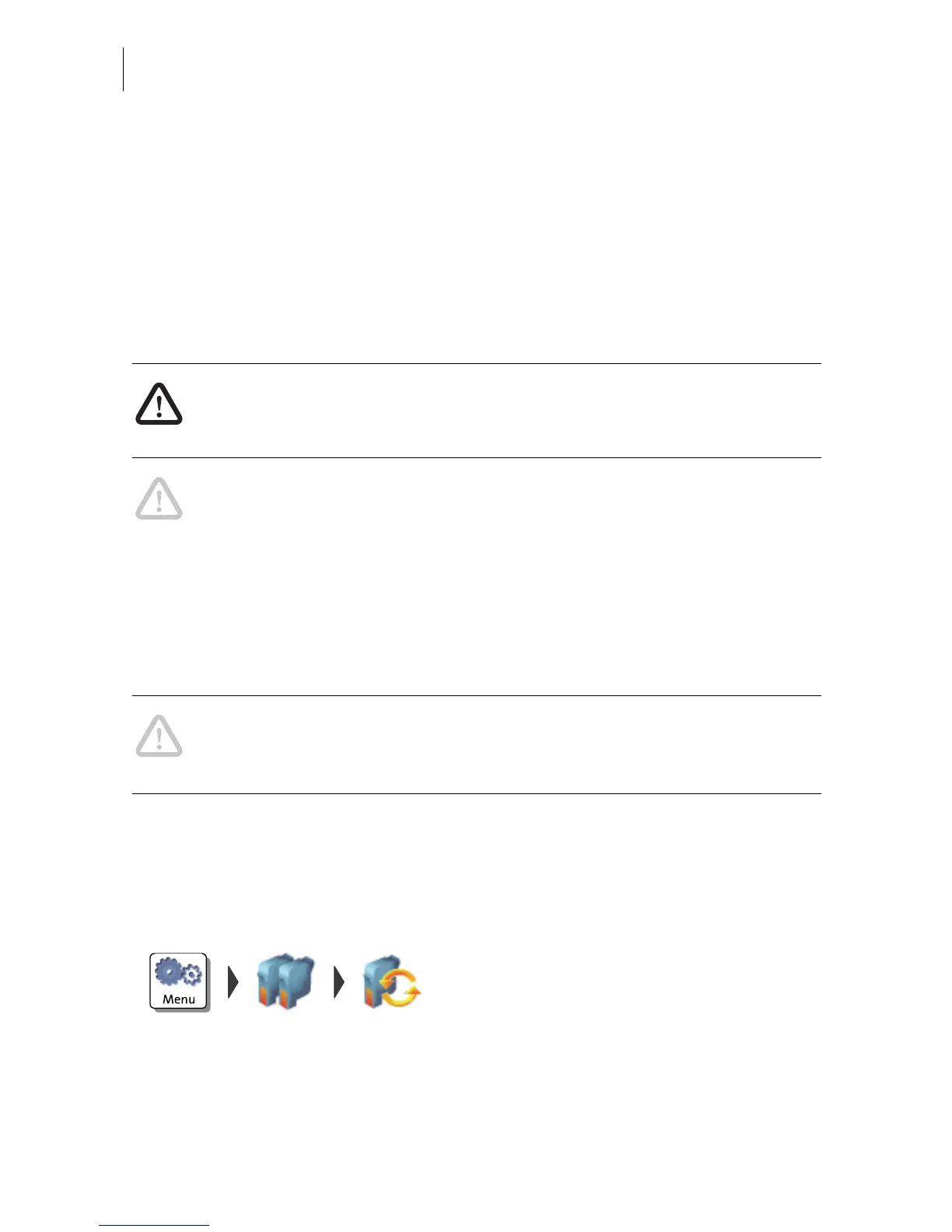
Changing the ink cartridges
The PostBase will prompt you to replace the
cartridges when they are depleted.
• Confirm the message.
• Open the M
ENU.
• Choose P
RINT SYSTEM.
• Choose C
HANGE CARTRIDGES.



 To Next Page