Maintenance and care
91
The exchange procedure starts. The
PostBase moves the ink cartridges to the
exchange position and opens the flap.
Caution! Do not lean on the flap or PostBase
might lock the flap and move the ink
cartridges into idle position again.
• Follow the instructions on the display.
The required steps are described in detail
below.
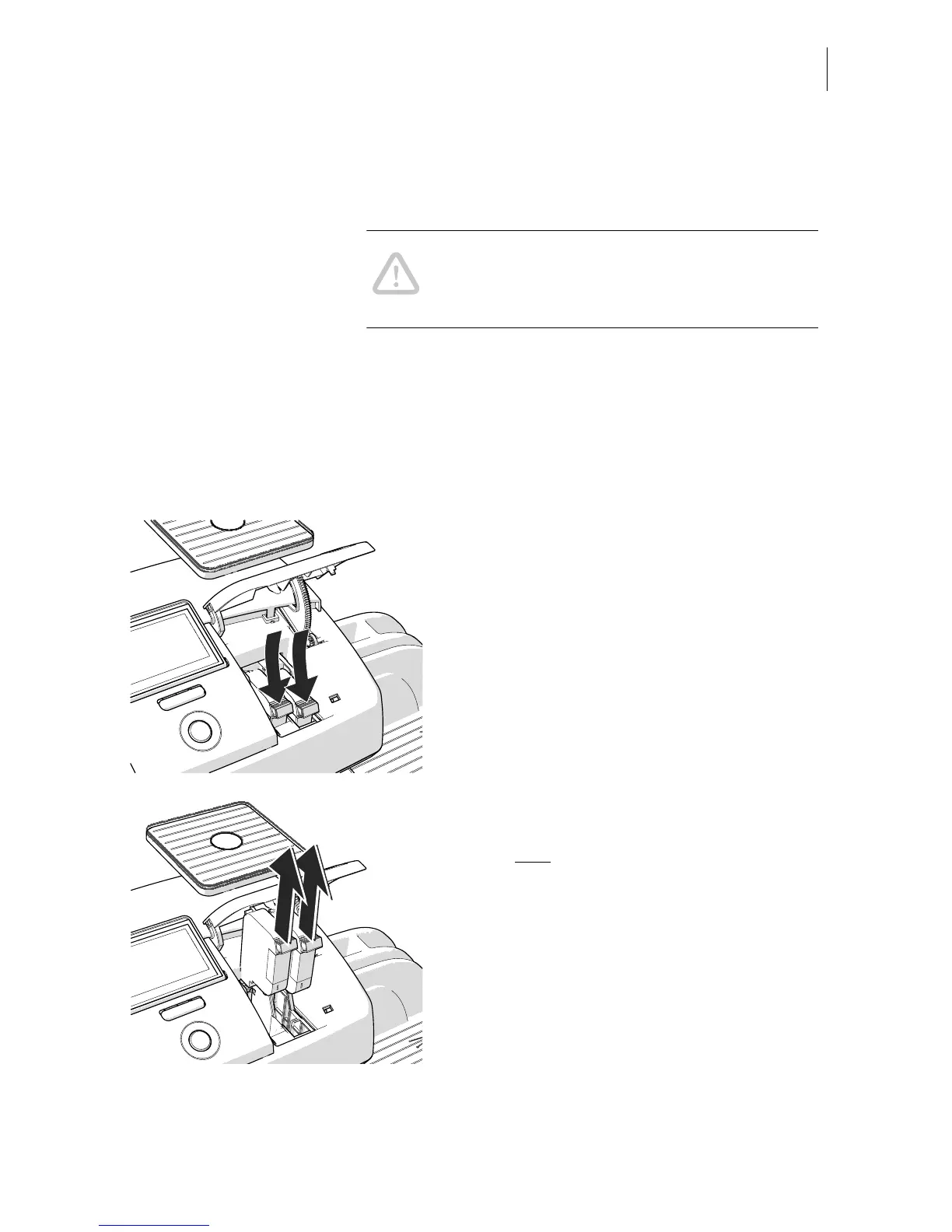
Removing the ink cartridges
After the PostBase has unlocked the flap:
• Unlock the ink cartridges:
At the knurled handles, push the ink
cartridges down and slightly forward.
• Take both
ink cartridges upward and out of
the socket.



 To Next Page