Setting the franking imprint
47
5.1.4 Weighing the mail piece
PostBase offers two weighing modes:
Normal weighing – PostBase determines the weight of every mail piece you place
on the weighing platform (see chapter 5.1.4.1)
Differential weighing (optional) – You can place letter stacks on the scale. PostBase
determines the weight when you remove a letter from the weighing platform.
You can order the optional function ‘Differential weighing’ from Francotyp-Postalia.
If ‘Differential weighing’ is available, the current weighing mode is displayed on the
button next to the weight.
For details on how to change the weighing mode, please read chapter 5.1.4.2.
For using the ‘Differential weighing’ feature, please read chapter 5.1.4.3.
5.1.4.1 Normal weighing
Caution! Please observe the following notes on handling the scale:
– Please heed the designated maximum weight of the scale (depending on
PostBase variant / equipment).
– The scale only determines a new weight if it was emptied before.
Therefore, always empty the weighing platform prior to putting on a mail
piece for weighing.
– The scale only determines a new weight if the letter transport is not
running. Wait until letter transport stops prior to putting on a mail piece
for weighing.
– When weighing large mail pieces, make sure they do not touch the
housing as it would distort the results.
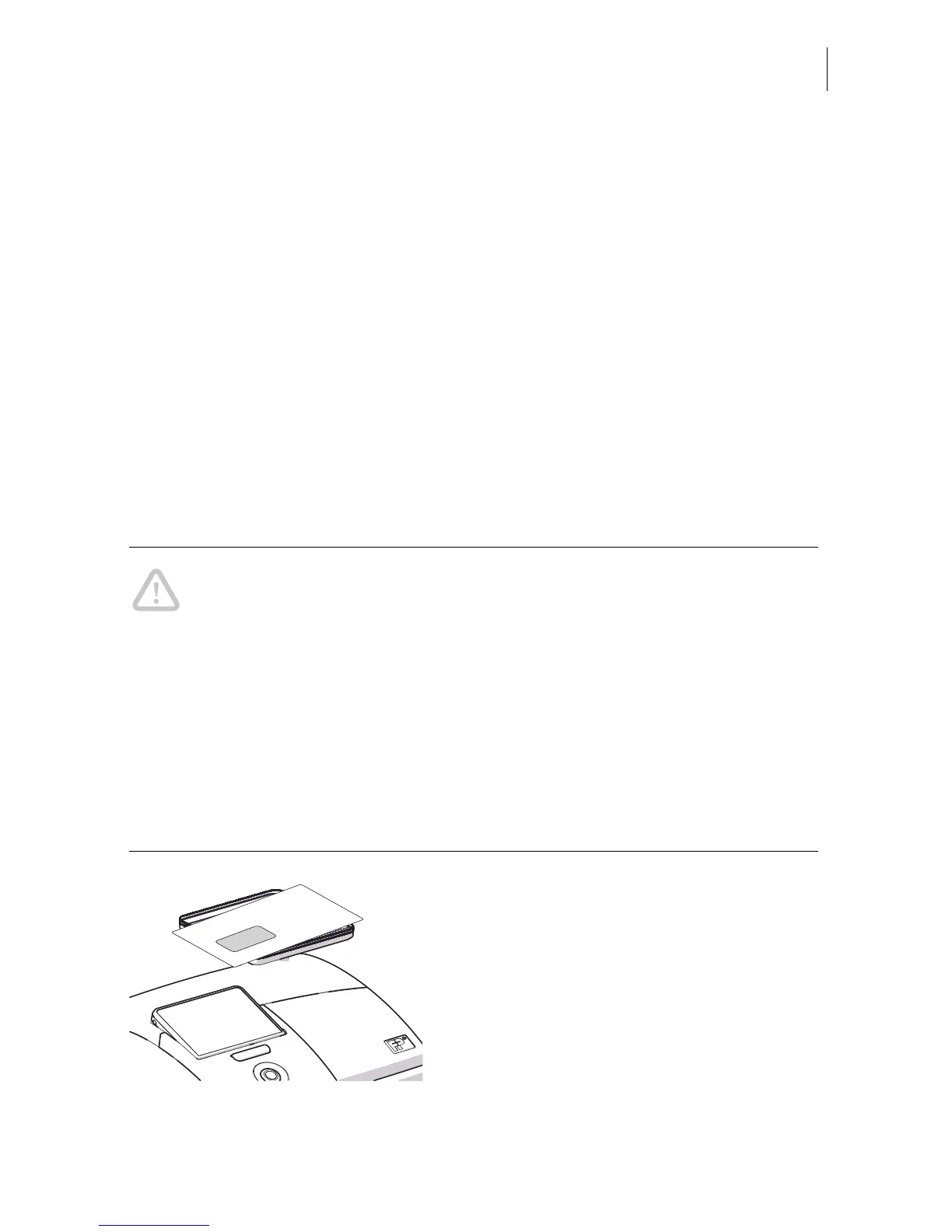
• In the Home screen, place the mail piece
on the weighing platform.
A beep signals that the scale has determined
the mail piece’s weight.
The weight determined by the scale is now
set. PostBase sets the postage based on the
displayed weight and the selected mailing
data.



 To Next Page