PostBase Mailing System
36
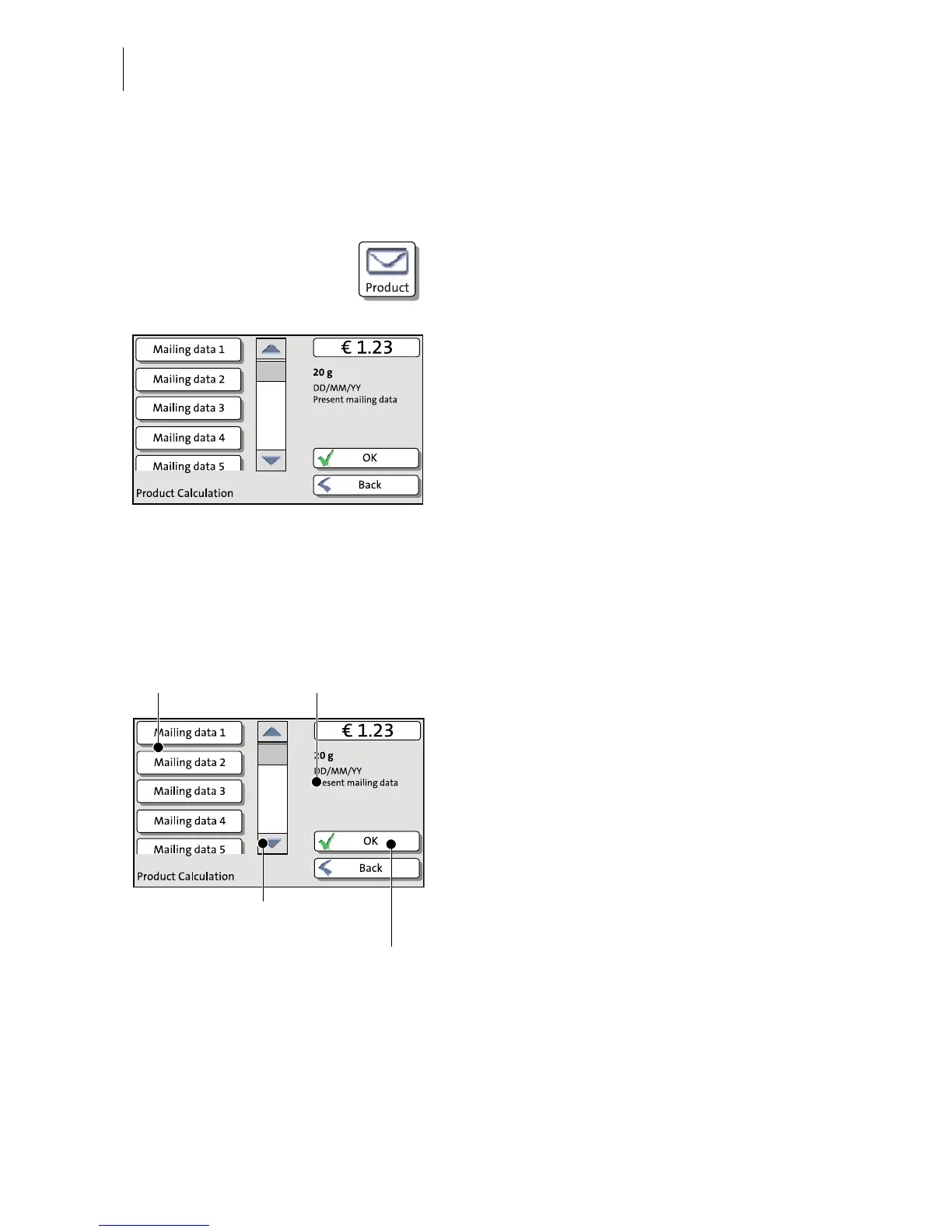
4.6.3 The Product calculation menu
Calling up the Product calculation menu
By pressing the P
RODUCT button the product
calculation menu is opened. Here, you set
the product for the franking imprint.
The left area of the display shows the
available mailing data.
You can scroll the list with the scroll bar if
more than four options are available.
The right area of the product calculation
menu shows the current settings:
– the postage
– the weight
– the date
– the selected mailing data.
The postage and the OK button only appear
if all necessary mailing data were selected
and the displayed weight exceeds 0 g (0 oz).
Selecting mailing data
By pressing the respective buttons, you
select mailing data. The PostBase guides
you through the postage calculation process
step by step.
Press OK to accept the current settings and
to return to the Home screen.
Deselecting mailing data
With the B
ACK button, the mailing data can be
deleted step by step from the current product
settings.



 To Next Page