Franking
55
6.2 Changing the account
When you enable the Account function, you must always specify an account to frank.
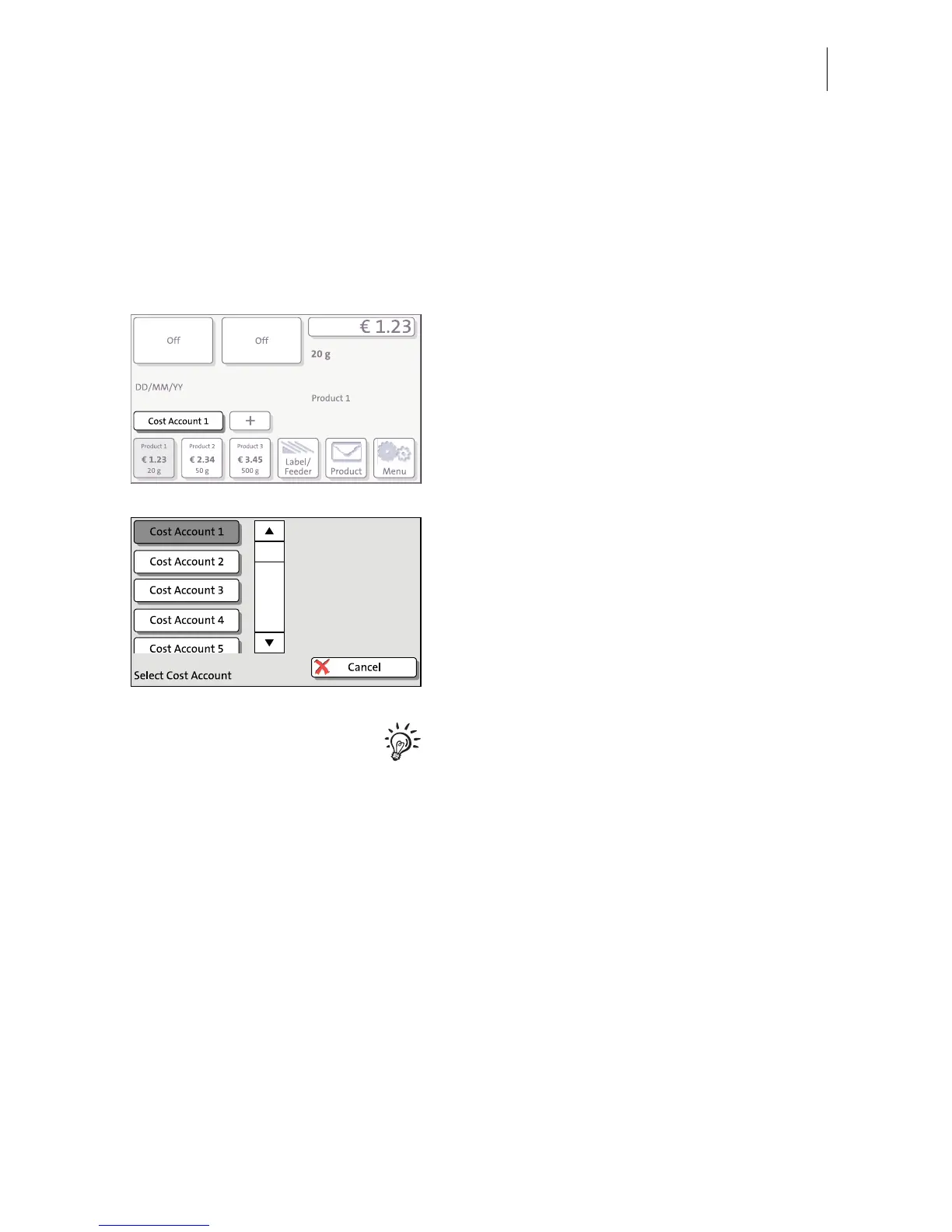
The currently set account is displayed left in the info panel of the Home screen.
Changing the account
In the Home screen:
• Press the C
OST ACCOUNT… button.
The PostBase opens a list with all available
accounts. You see the account names and
numbers. The currently set account is shown
in black (in the example: ‘Cost Account 1’).
• Press the button of the desired account.
PostBase sets this account and returns to the
Home screen.
If users are enabled, only those accounts
allocated to the currently set user are
available in the list.



 To Next Page