The basics of operation
37
Returning to the Home screen
OK With the OK button, you set the current
selected mailing data for franking and return
to the Home screen.
B
ACK Pressing the BACK button repeatedly deletes
the mailing data step by step. By pressing the
button again after having deselected all
mailing data you will cancel the product
selection. The product set last remains set in
the Home screen.
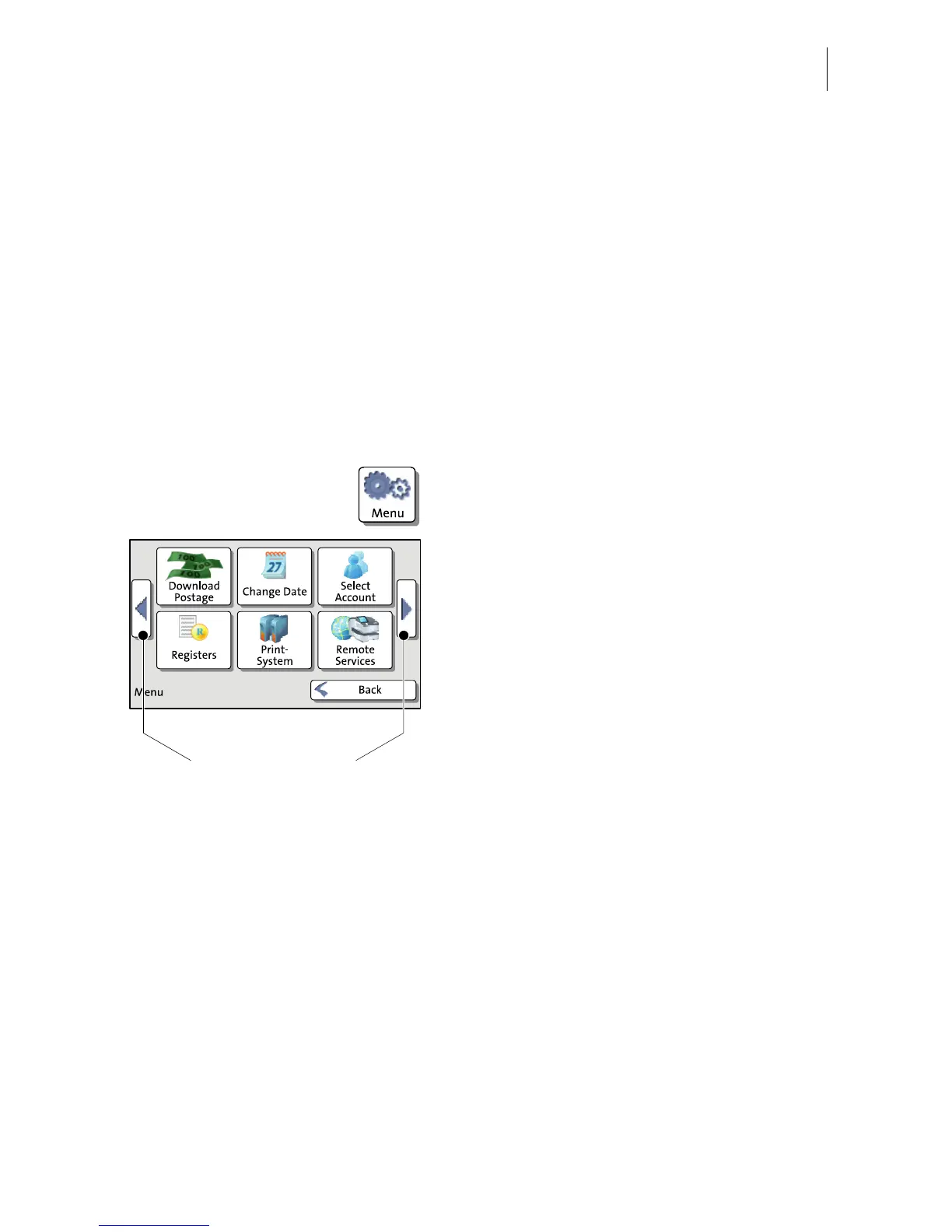
4.6.4 The Menu
Use the MENU button to open the Menu. From
this Menu you can access the administration
functions, the system settings, and service
functions.
Use the arrow buttons to scroll to the next
page and back in the Menu.



 To Next Page