Special imprints and functions
7
| USA |
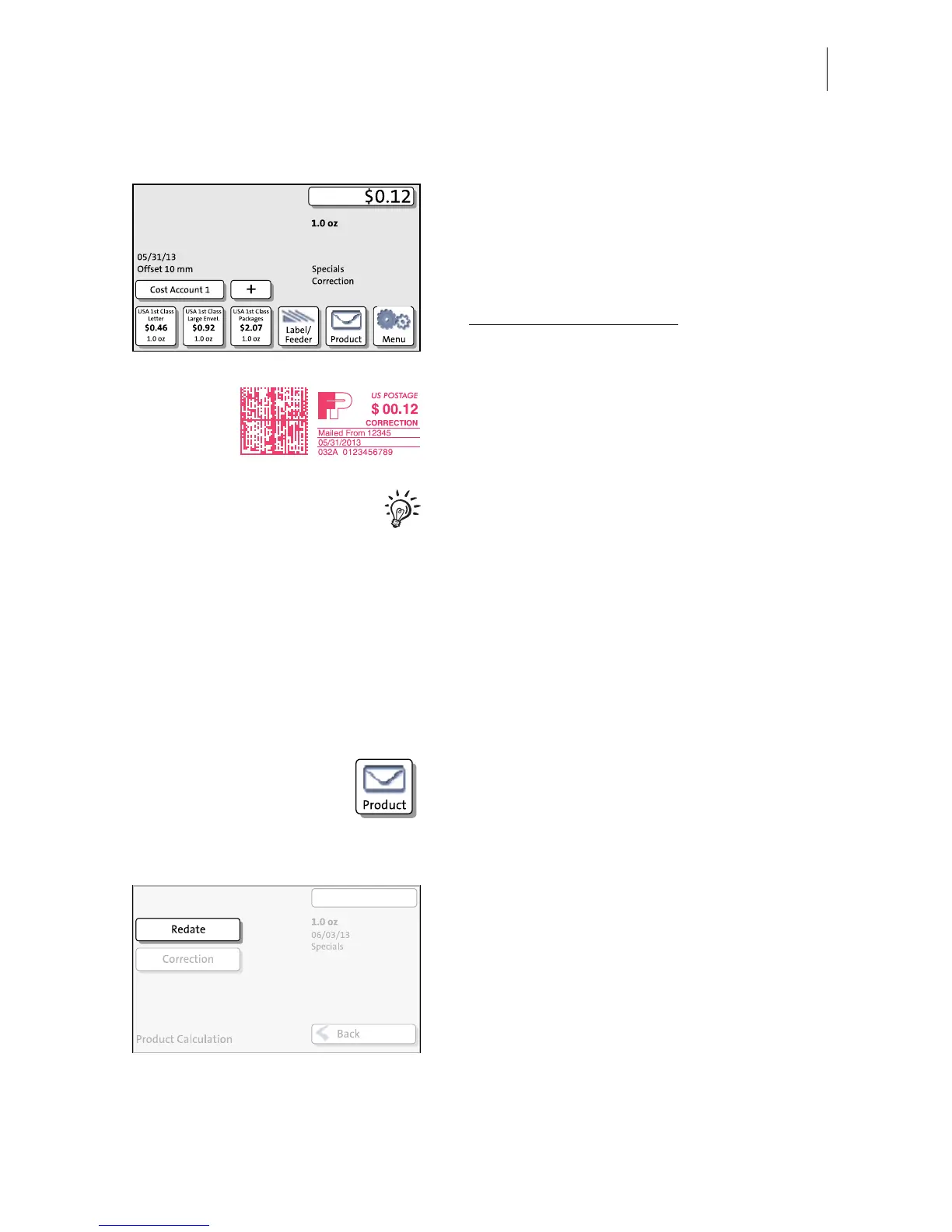
Print postage correction
The Home screen shows the current settings
for the correction imprint. You can change
the settings (e.g. date, imprint offset) in the
same way as with a regular meter imprint.
• Position the mail piece the
non-address side face up
.
PostBase prints the correction imprint.
When printing the postage correction,
advertising imprints are not available.
3.2 Redate
If the meter imprint shows an incorrect date, you can print a correction with the correct
date on the non-address side of the already metered mail piece.
Setting the REDATE imprint
In the Home screen:
• Press the P
RODUCT button.
PostBase opens the Product calculation
menu.
• Select S
PECIALS.
• Select R
EDATE.
• Press OK to accept the displayed product
setting and to return to the Home screen.
The Home screen shows the current settings
for the redate imprint. You can change the
settings (e.g. imprint offset) in the same way
as with a regular meter imprint.



 To Next Page