Setting the franking imprint
45
5.1 Postage / product
PostBase sets the postage, i.e. the price for the postal product using the chosen
mailing data (destination, type, mail piece dimensions and additional services if
applicable), in conjunction with the displayed weight.
Use the shortcut to fast and easily set up a product. For this purpose, please refer
to the next chapter.
5.1.1 Setting a product via shortcut
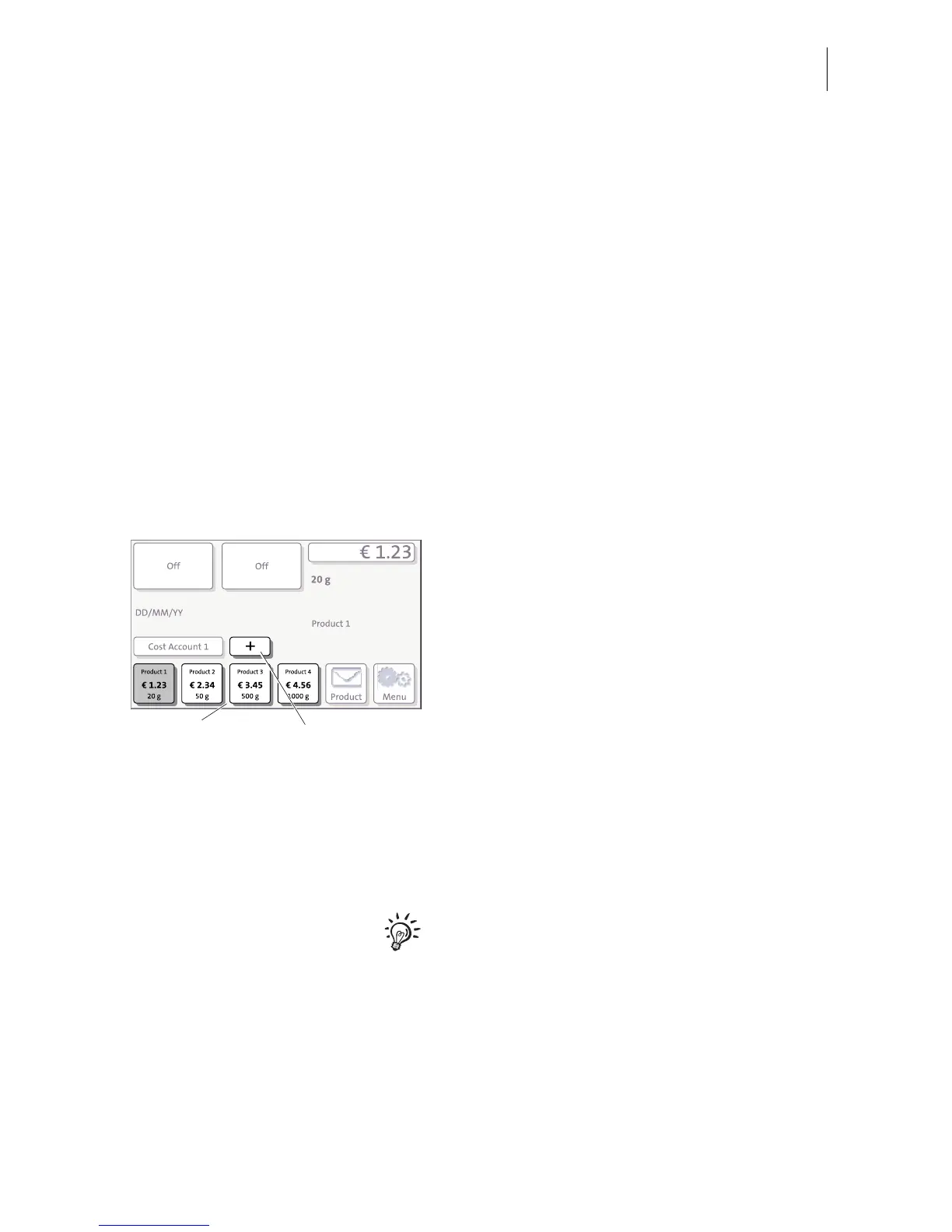
You can directly view and retrieve up to four products in the Home screen at the touch
of a button. Optionally, there are up to 20 shortcuts available which you can access
via the
+ button. The franking machine comes ex factory with typical postal products
stored as shortcuts. Upon activation of a new rate table, the shortcuts will be erased
and re-programmed.
• Press the desired shortcut button.
If necessary:
• Weigh the mail piece.
The product with the related postage is set
for franking.
Further shortcuts (optional)
Optionally, PostBase offers up to 20 short-
cuts.
• In the Home screen, press the
+ button.
PostBase opens a list with all available
shortcuts.
For details on how to save products as
shortcuts via PC software (e.g. Navigator,
MailOne), please refer to the manual
provided with the software.



 To Next Page