Setting the franking imprint
53
5.4 Date (not in all countries)
The date for the franking imprint is set automatically to the current date by the system
clock. You can forward the date for the franking imprint.
The PostBase rejects invalid input, e.g. a franking date too far in the future or
redating.
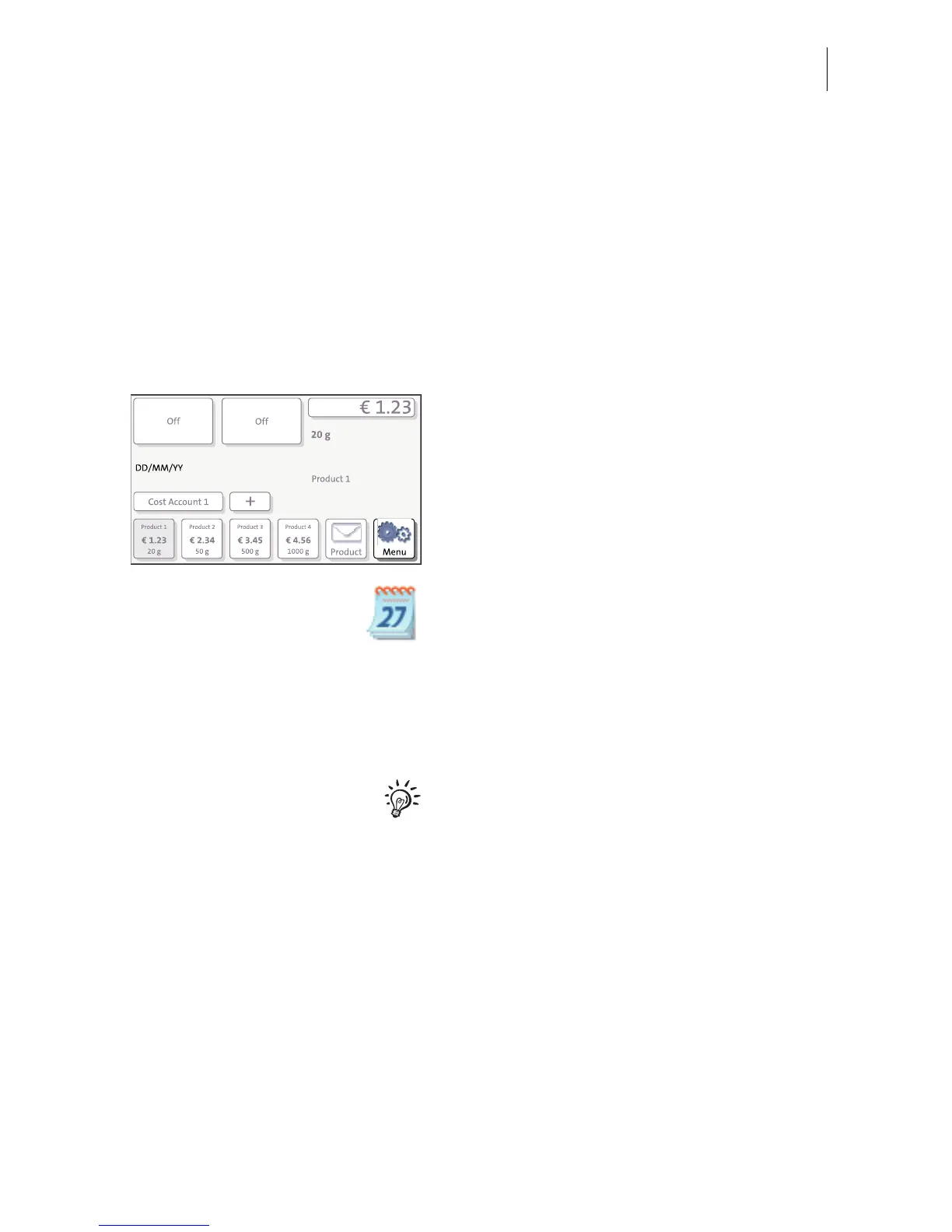
The currently set date is displayed the info panel in the Home screen.
Setting the franking date
• In the Home screen: Press the M
ENU
button.
• Select C
HANGE DATE.
• Type the date.
•SAVE the displayed date.
The new franking date is set. The info panel
in the Home screen shows the current
setting.
You can press the |<< button to reset the
franking date to the current date.
Franking without date (not in all countries)
In the C
HANGE DATE menu:
• Clear the displayed date with CE.
•S
AVE the setting.



 To Next Page