PostBase Mailing System
40
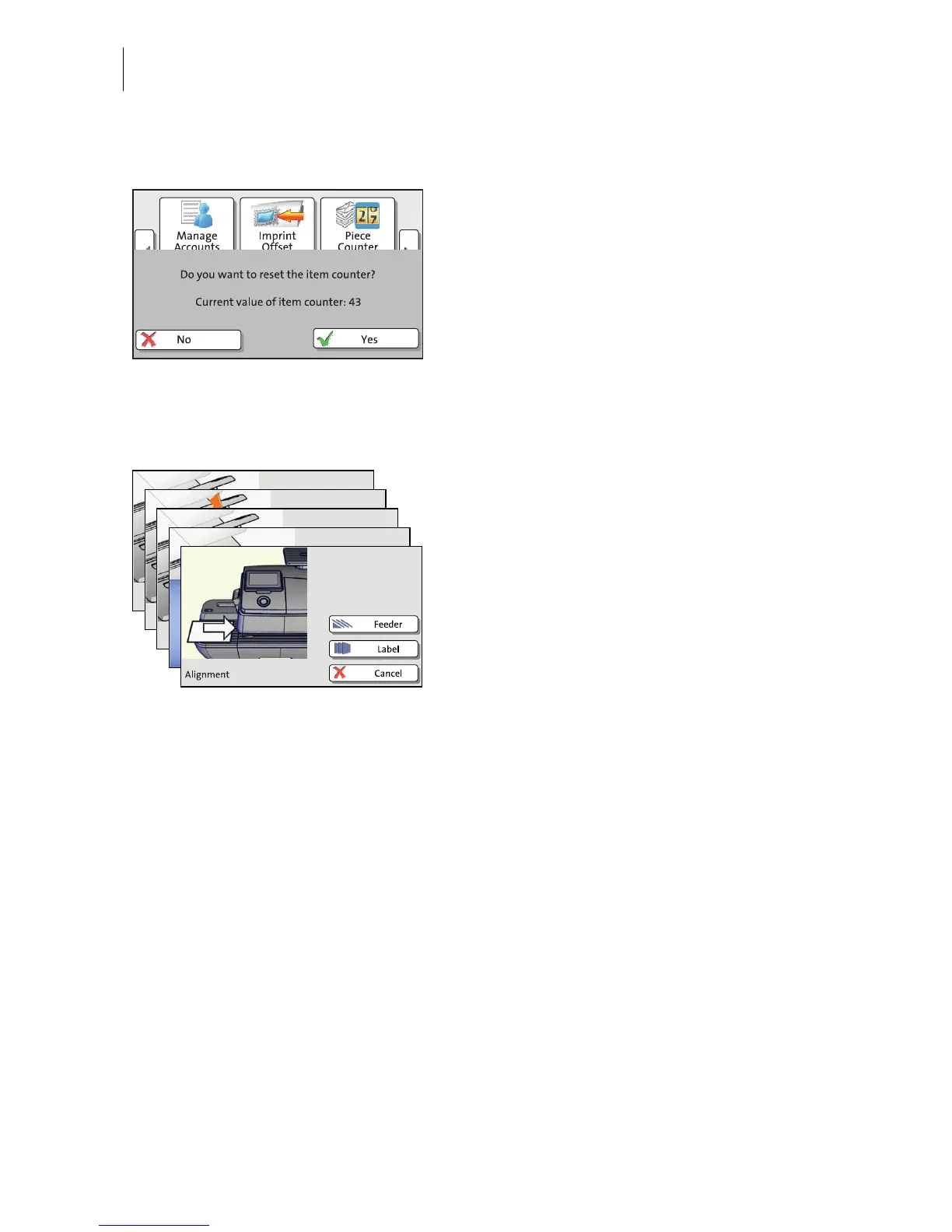
4.6.7 Pop-up windows
For some settings, a window covering parts
of the current window opens (pop-up
window). The pop-up prompts you for an
action. Messages and the batch processing
feature also appear as a pop-up.
Some pop-up messages feature auto-
confirmation, i.e. they automatically close
after some time.
4.6.8 Procedures (wizards)
For more complex settings, e.g. when setting
up connection data, the PostBase opens a
‘procedure’, guiding you through all
necessary actions step by step. Different
window types are used, depending on
requirements.
Press C
ONTINUE to accept the current
settings and to go to the next step.
You can press B
ACK to return to previous
steps.
Pressing B
ACK at the beginning of the
procedure will discard all settings and close
the procedure.



 To Next Page