Franking
67
Franking several identical labels
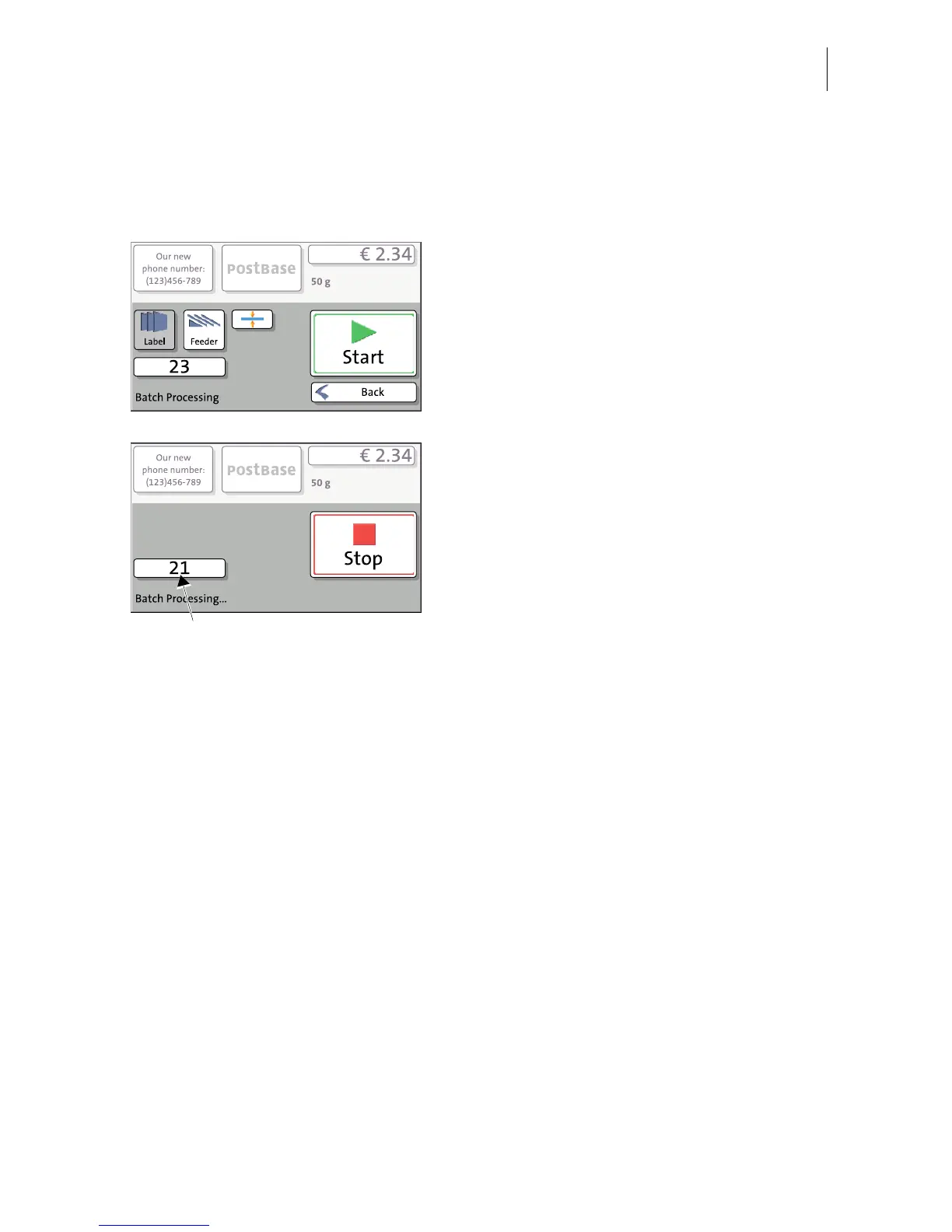
• In the Home screen, press the L
ABEL/
F
EEDER button.
PostBase opens a pop-up.
• Press the L
ABEL button.
• Set the batch counter to the desired
number of labels (see chapter 6.3.3.5).
• Press the START button.
PostBase prints the number of labels you
have set. The counter displays the number of
labels still to be franked. You can interrupt
processing with the S
TOP button.



 To Next Page