214 Scanning
Overview
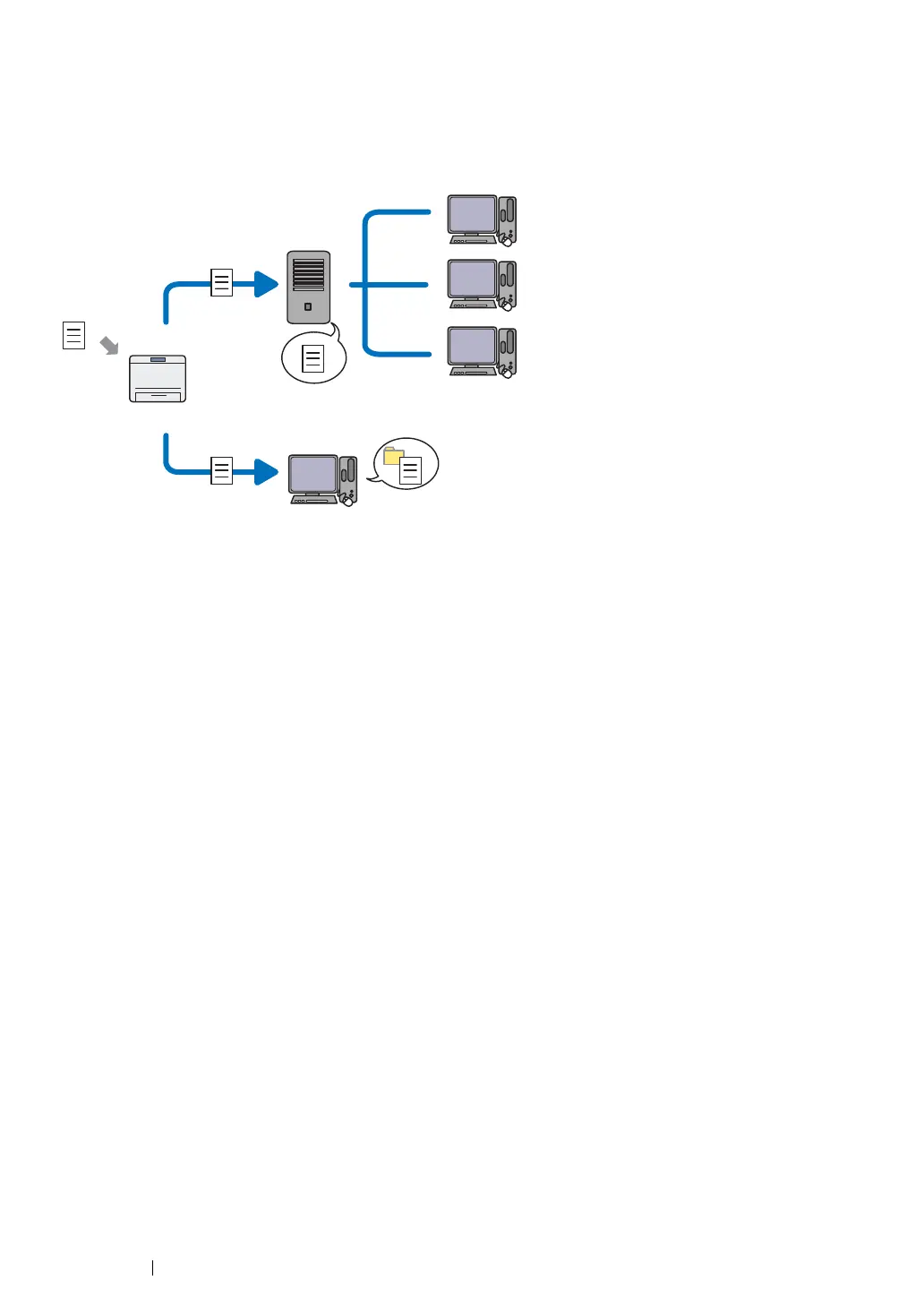
The Scan to Server/Scan to Computer feature allows you to scan documents on the printer and send
the scanned documents to a network computer using the FTP or SMB protocol.
When using the FTP protocol, you need to select a server and specify a destination to store scanned
document using the CentreWare Internet Services or Address Book Editor.
The following is required to use the Scan to Server/Computer feature.
• Using the SMB
Your computer must run on one of the following operating systems and have the folder sharing
enabled.
For Mac OS X, a shared user account is required on the Mac OS X.
• Windows Server 2003
• Windows Server 2008
• Windows Server 2008 R2
• Windows XP
• Windows Vista
• Windows 7
• Mac OS X 10.4/10.5/10.6/10.7
• Using the FTP
One of the following FTP servers and an account to the FTP server (login name and password)
are required.
• Windows Server 2003, Windows Server 2008, Windows Server 2008 R2, Windows Vista, or
Windows 7
FTP service of Microsoft Internet Information Services 6.0
• Windows XP
FTP service of Microsoft Internet Information Server 3.0/4.0 or Internet Information Services
5.0/5.1
• Mac OS X
FTP service of Mac OS X 10.4.11/10.5.8 - 10.6, 10.7
For information on how to configure the FTP service, contact your system administrator.
Scan
Using FTP
Using SMB
FTP Server
Computer
Computer


 To Next Page
 Loading...