87
5
Taking Photographs
Choosing a Shooting Mode
4
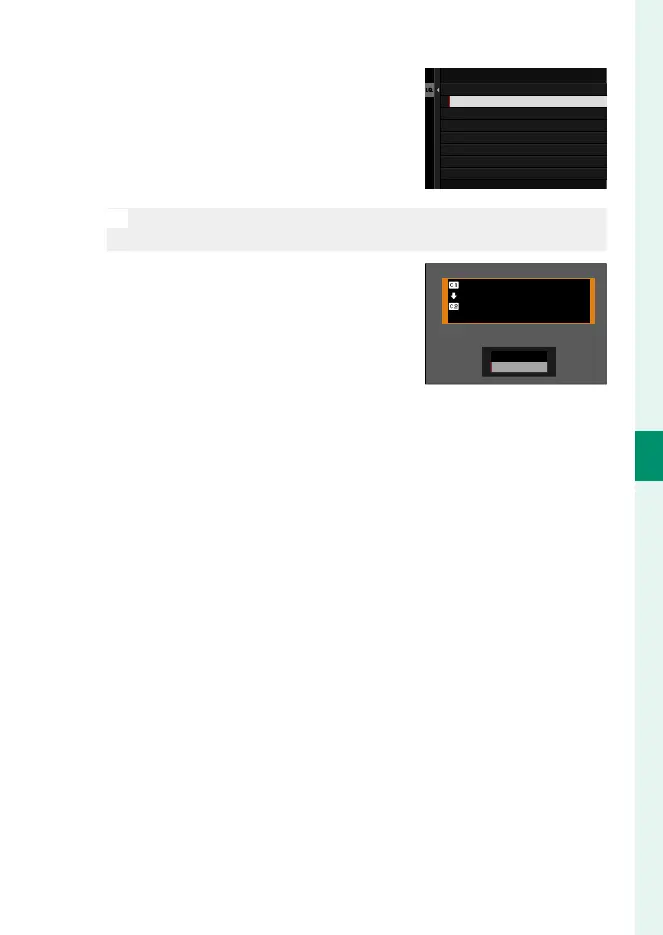
Highlight the destination bank (C1
through C4) and press MENU/OK.
A con rmation dialog will be dis-
played.
CUSTOM 2
CUSTOM 3
CUSTOM 4
COPY TO
CUSTOM 1
N
Any changes to custom settings in the destination bank will be
overwritten.
5
Highlight OK and press MENU/OK.
The selected settings will be copied
to the destination bank, overwriting
any existing settings.
COPY
CUSTOM 1
CUSTOM 2
COPY OK?
OK
CANCEL













 To Next Page