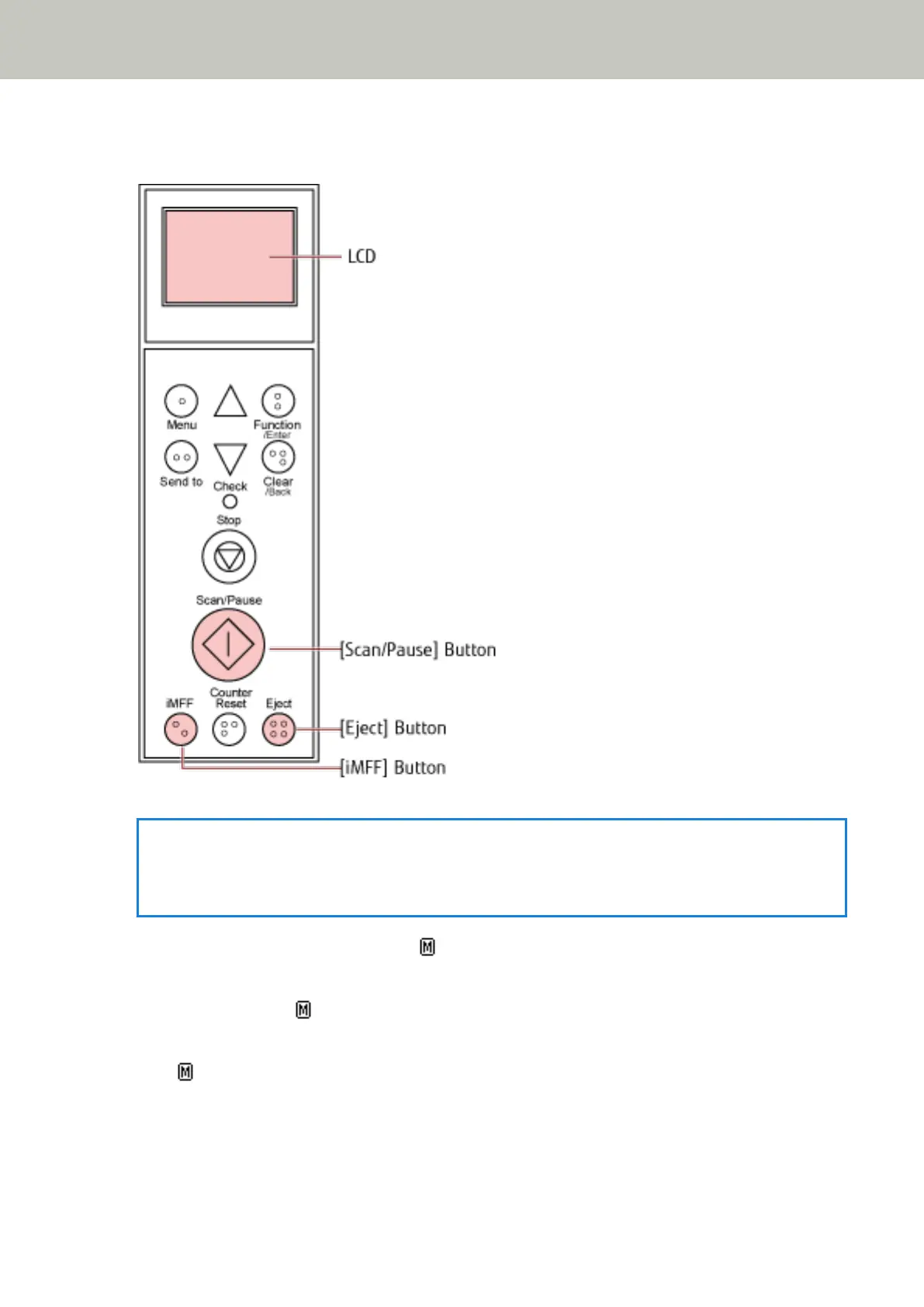
ejected sheet and the attachment is likely to be the cause of the multifeed error, then proceed to the next
step.
HINT
If you click the [OK] button in the window that shows the multifeed image, step 2 is not required because
the scanner feeds the multifeed image and continues the scan.
3 Press the [iMFF] button and confirm that is displayed on the LCD, and then press the [Scan/Pause]
button or restart scanning from the computer.
Note that, from hereon, in the LCD switches between shown/hidden every time the [iMFF] button is
pressed. According to the mode specified, the scanner operates as explained below if documents are scanned
while
is displayed.
● Manual mode (Bypass by front panel button)
The next sheet is scanned without multifeed detection, and after the second sheet, multifeed errors are
detected based on the settings configured in the scanner driver or the Software Operation Panel.
Various Ways to Scan
113



 To Next Page