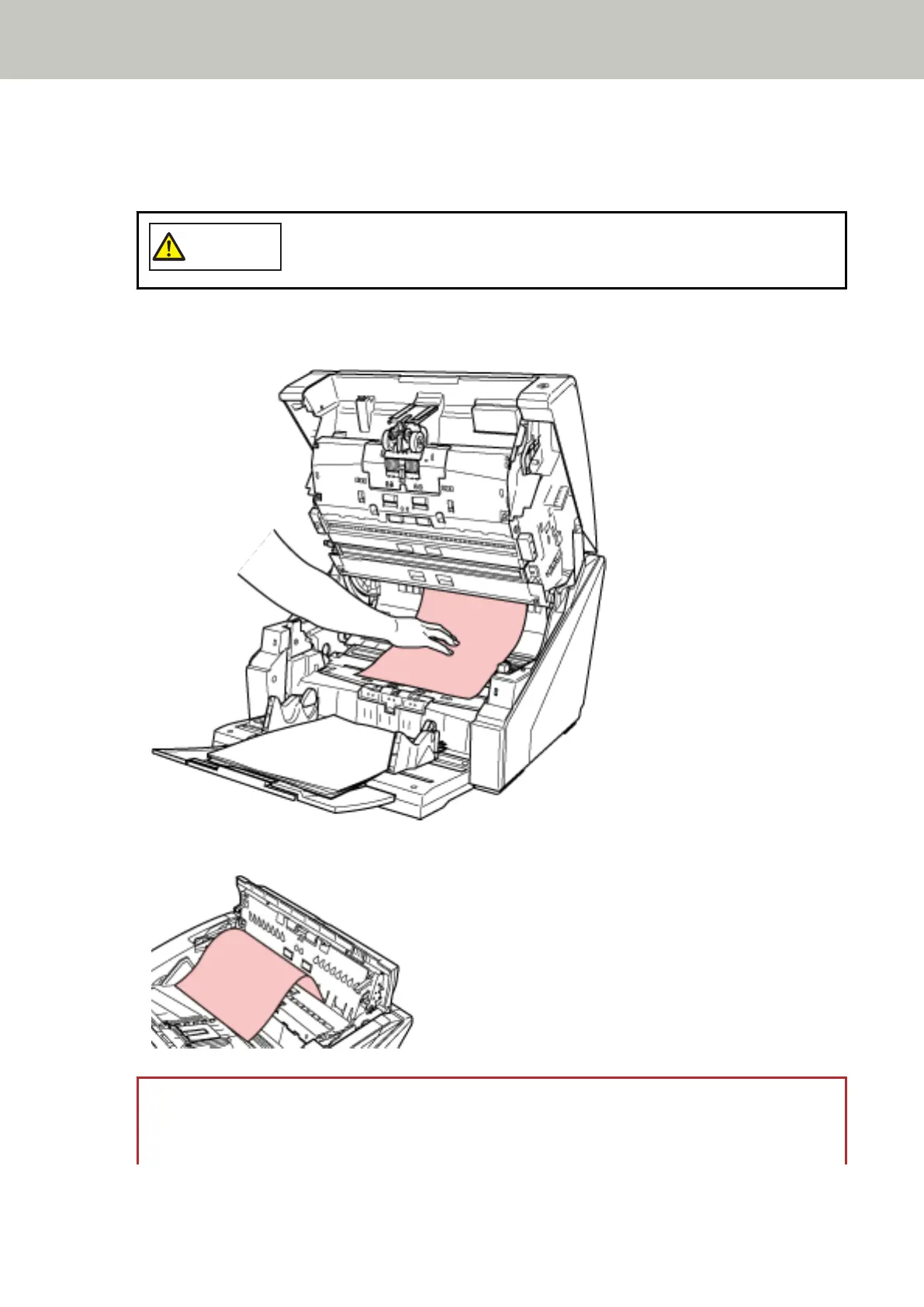
2 Open the ADF/top cover.
For information on how to open the ADF, refer to How to Open the ADF (page 26).
For information on how to open the top cover, refer to How to Open the Top Cover (page 29).
When the ADF/top cover is open, it might close accidentally. Be careful not to get
your fingers caught.
3 Remove the jammed document.
● Inside the ADF
● Inside the top cover
ATTENTION
● When a document is jammed in the paper path, be careful not to damage the document if you are
pulling it out from the ADF side which is against the feeding direction.
Troubleshooting
154



 To Next Page