SERVICING
76
PULSE Installaon, Commissioning and Servicing Manual - Revision 19
12.7 Setting a Password - CGPWD
Both the Service Agent password (Level 2) and the Manager password (Level 1) can be
altered.
Once set, if the password is forgotten, Gallagher will only be able to reset to default when
provided with the serial number of the Central Controller.
While it is the responsibility of the site to manage passwords, Gallagher Technical Support
have a mechanism for recording alternate passwords if they are informed of the changes.
Procedure:
y Enter Service Mode using the default password:
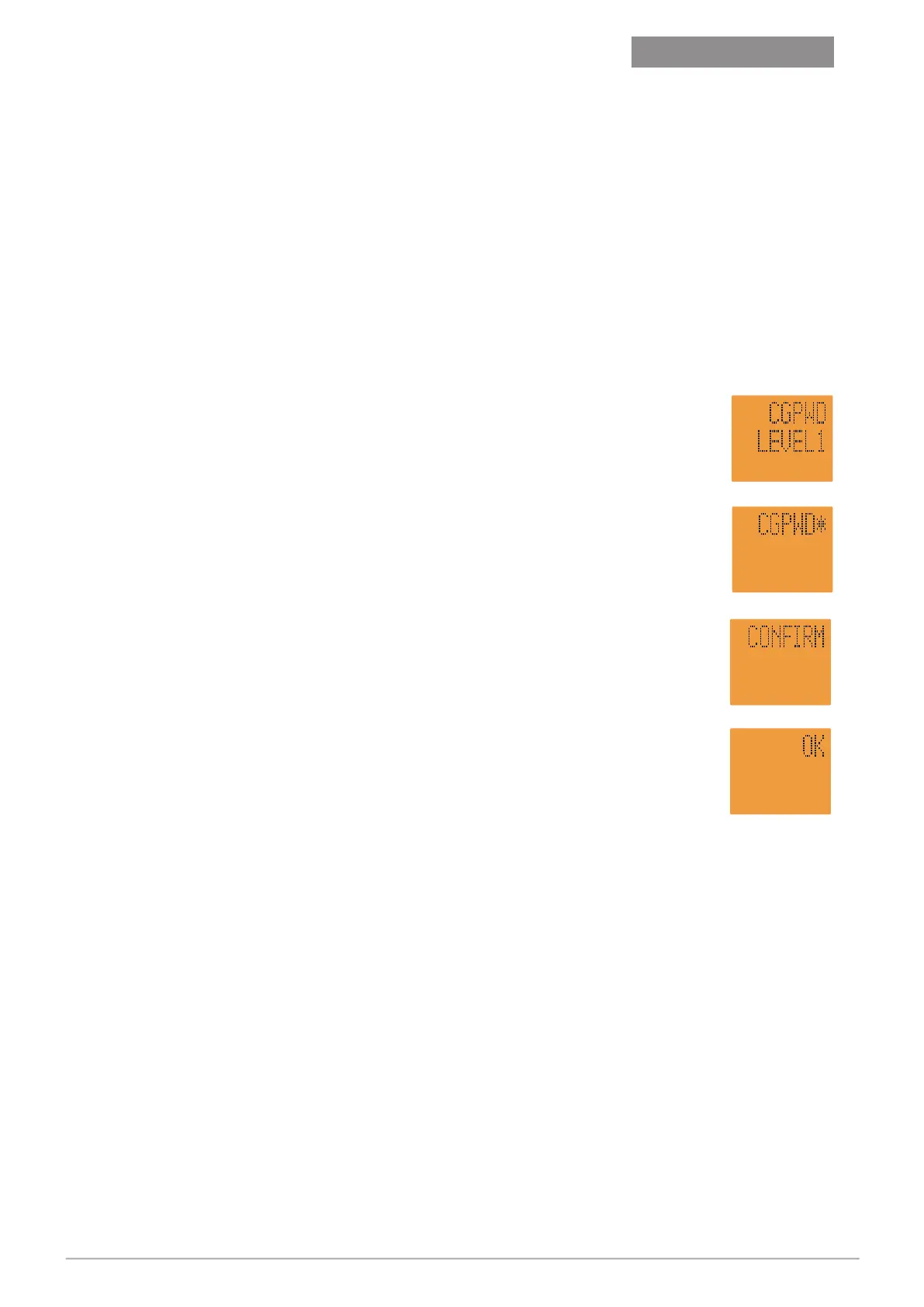
Scroll to CGPWD LEVEL 1 = Manager Mode
or
CGPWD LEVEL 2 = Service Mode
y Press
F
(CGPWD
*
shows edit mode).
y Enter password (eg: 123456).
y Press
F
(shows CONFIRM).
y Re-enter the password (eg: 123456).
y Press
F
(shows OK - password has been changed).
This will set the password for both sides of the dispenser.
Repeat for each dispenser.
$
L
$
L
$
L
$
L
Lost passwords can make dispenser servicing impossible.
Do not change passwords unless a reliable system of
recording a change is in place.
Version 1.11


 To Next Page