150
IIDTool
GAP Diagnostic 2023-09-12 All Rights Reserved
User Manual G3 units: Version 37, Firmware V4.0
4.8.4 Sharing Logs
Logs can be shared between users.
Access
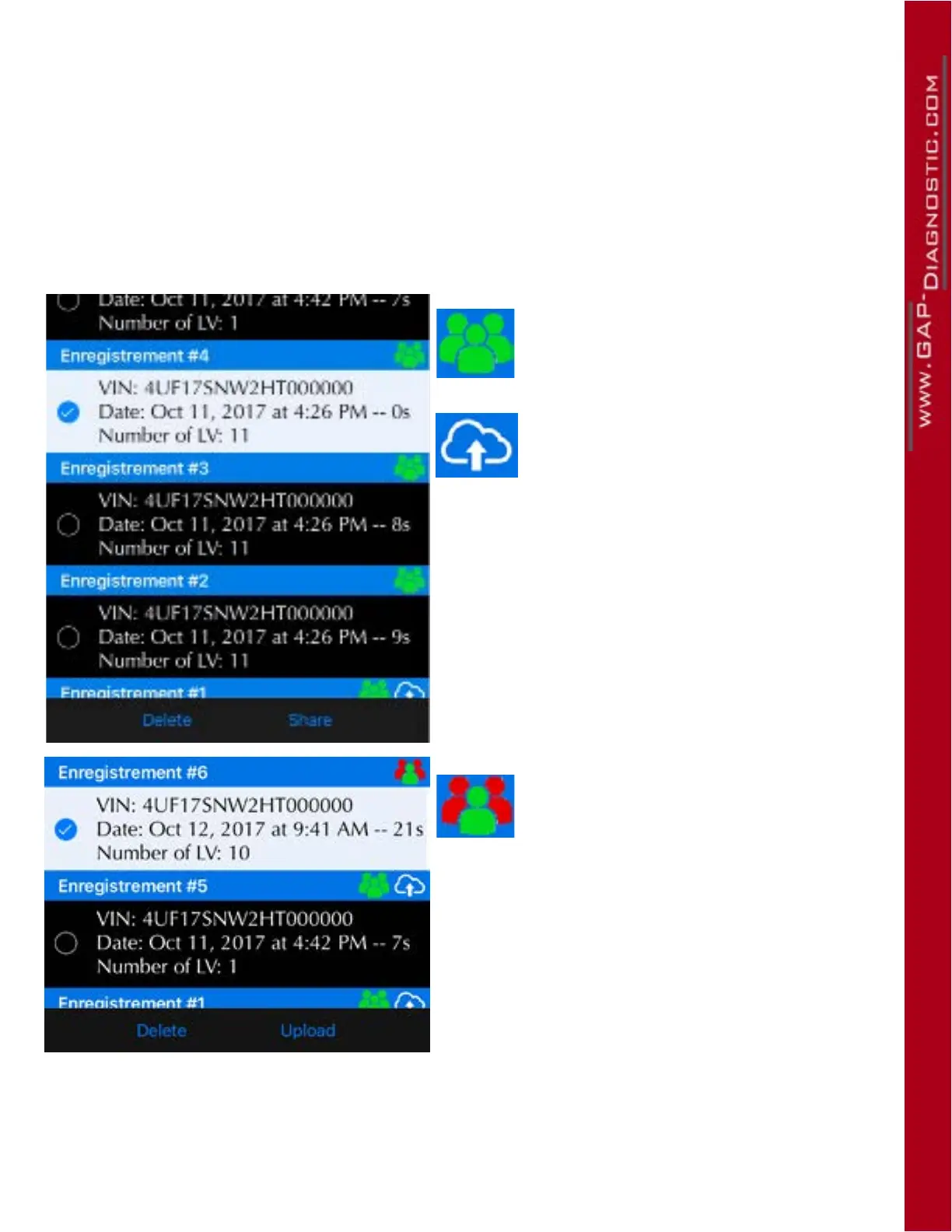
In the log section, select one or multiple logs and click on Share or Upload. Once completed, a copy
of the log will be available online for consulting on another mobile device or by your friends using the
Online Log function section 1.7.6.
Figure 90. DL : Log sharing
This symbol indicates that you are the
owner of this log therefore it can be shared
at will with friends.
This symbol indicates that it is already on
the server.
The Share button will prompt the sharing screen.
This symbol indicates that you are not the
owner of this log therefore it can only be
uploaded on the server and then viewed
by the owner only.
The upload button will upload the log which will be
available only to the owner.



 To Next Page