54 55
IIDTool
GAP Diagnostic 2023-09-12 All Rights Reserved
User Manual G3 units : Version 37, Firmware V4.0
2.9.1 Activation using the mobile App, online mode (recommended)
Prerequisites
• The mobile device is connected to the Internet
• Having completed the general prerequisites for activation mentioned on section 2.9
• Own a IIDTool BT or IIDTool Pro
• Own a compatible mobile device (section 1.7.3) with the Bluetooth module turned “ON”
• Having completed installation of the application in the mobile device (section 2.4) and have
ensured that it is synchronized with the tool (section 2.6)
• Be aware of warnings and particularities
Note : It is not required to add the IIDTool in the Bluetooth pairing screen of the mobile device to per-
form a pairing. The Application handles the connection. Disconnect from any other Bluetooth device
before using the IIDTool.
Steps to activate the IIDTool using the App
1- Turn ignition ON without starting the engine (turning the key to “ON, II” or press the “start en-
gine” button without simultaneously pressing the brake pedal).
2- Insert the IIDTool in the vehicle’s OBDII connector
3- Wait 30 seconds. This delay is caused by the scan process that detects which ECUs are pres-
ent.
4- Launch the Mobile Application IIDControl already installed on your compatible mobile device
5- Press “Search for tool” at the bottom of the screen
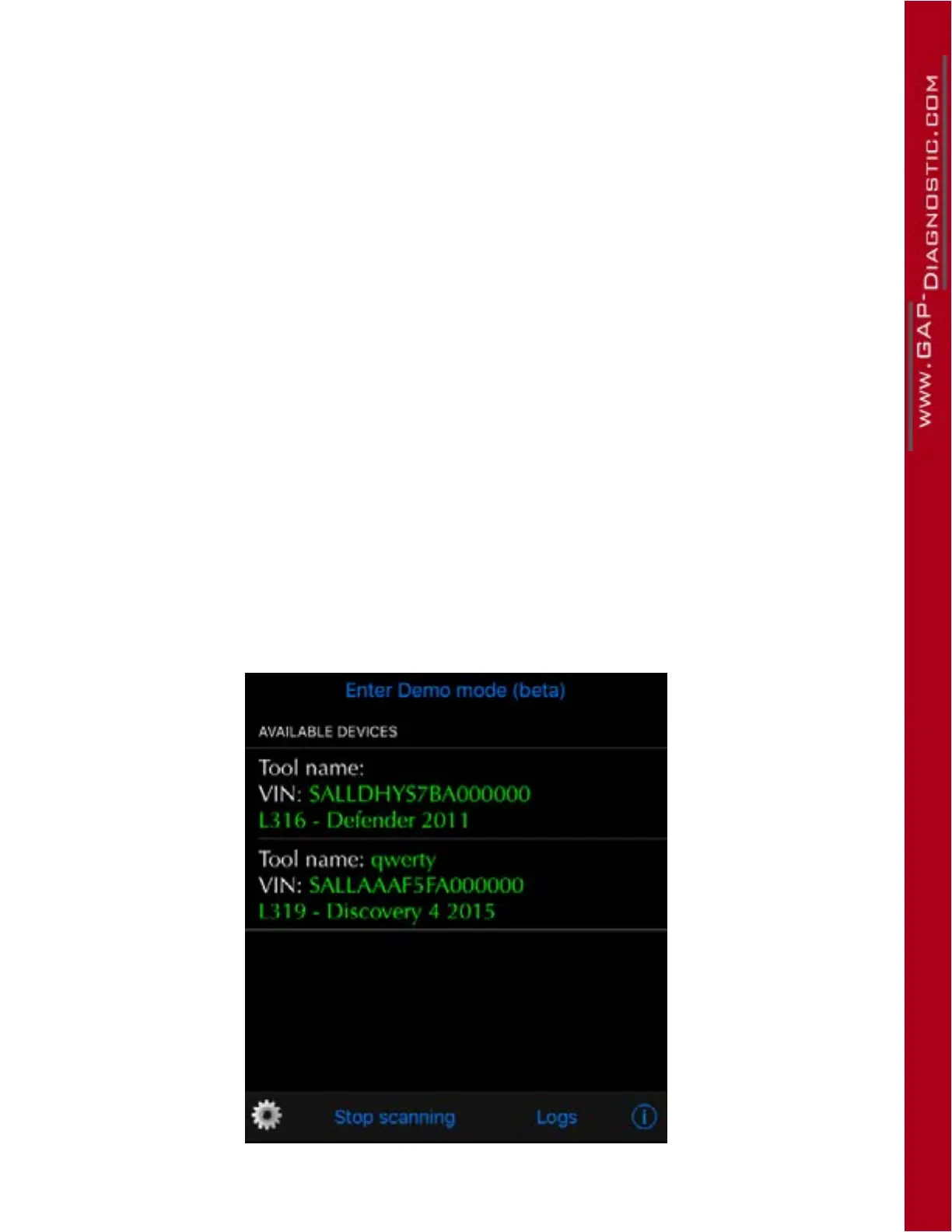
6- Select the desired tool available in the list (“Available Devices”). If only one device is discove-
red, the App will automatically connect to it.
Figure 25. Activation -
>
tool selection



 To Next Page