148 149
IIDTool
GAP Diagnostic 2023-09-12 All Rights Reserved
User Manual G3 units : Version 37, Firmware V4.0
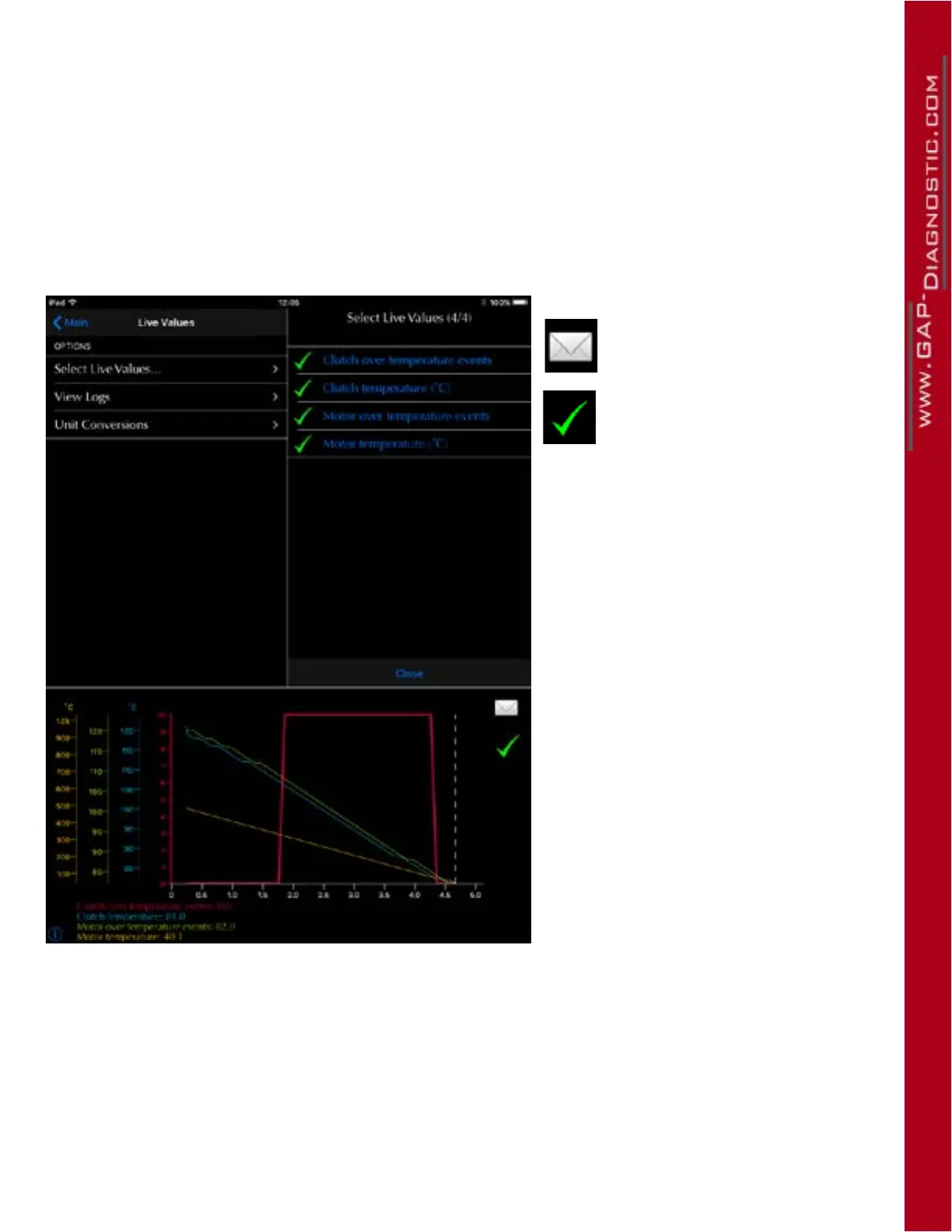
4.8.3 Viewing and exporting logs
Logs can be viewed in the live values function or oine. section 1.7.6.
To view previously saved logs, click on View Logs in the Live Value function. Select the log and click
on view. Logs can be manipulated (zoom, pan...) and exported in PDF, or CSV format. They can also
be Air Printed.
Export button
This button selects the values
to display and export.
Figure 89. LV : Viewing and exporting logs



 To Next Page