32
IIDTool
GAP Diagnostic 2023-09-12 All Rights Reserved
User Manual G3 units: Version 37, Firmware V4.0
1.8 Demonstration Mode
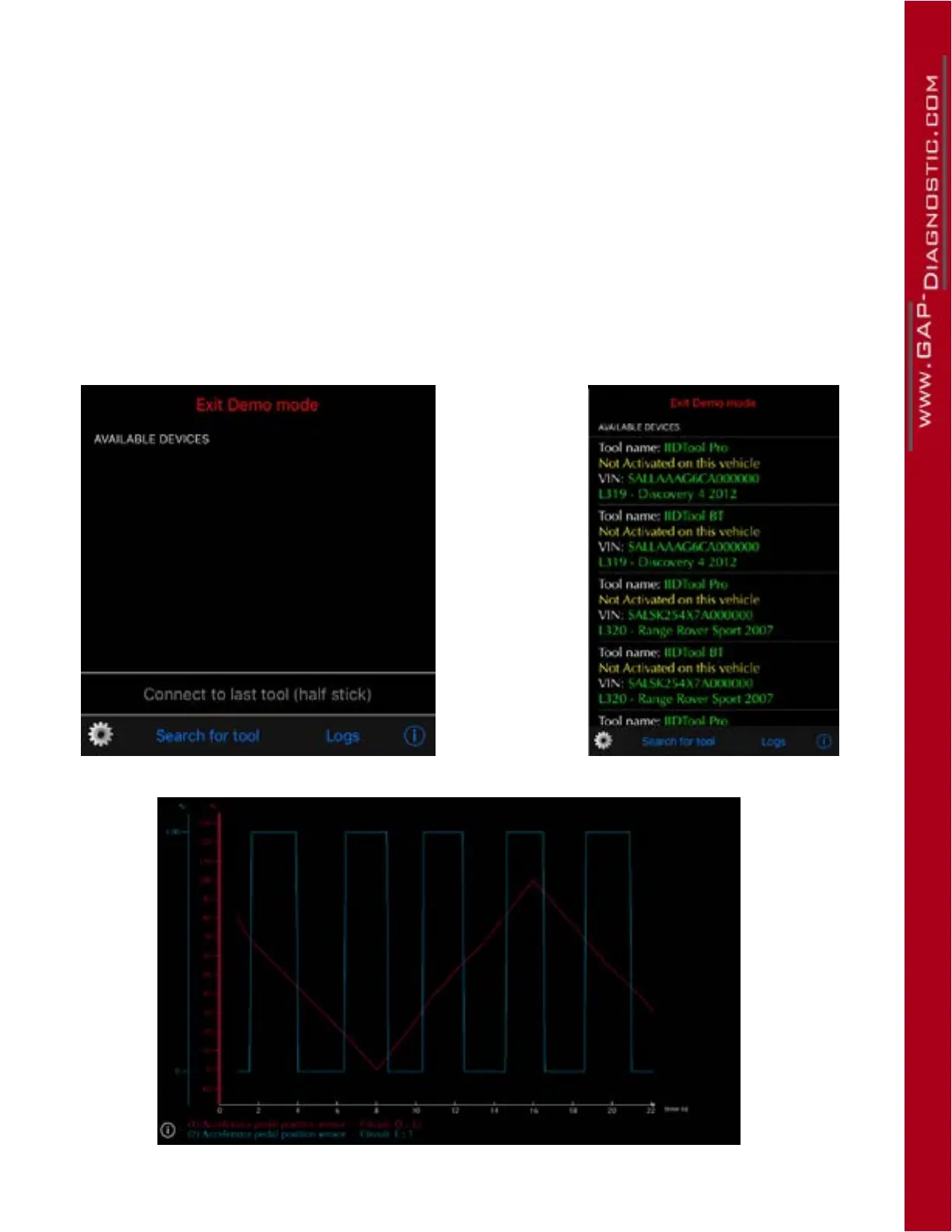
The demo mode simulates the use of a IIDTool connected on a vehicle. Click on “ Enter demo mode ”
followed by “ Search for tool ”. Select the tool and vehicle.
Notes :
• To use the tool normally, click on “ Exit demo mode ”
• The mobile device cannot be connected to an IIDTool when in demo mode
• Some functions are not implemented in the demonstration mode. The menu displayed may not
represent the reality for the selected vehicle.
• Delays associated when communicating with ECUs are eliminated
• Live values are simulated arbitrarily
Figure 9. Demonstration mode
Figure 10. Example of live values, demonstration mode



 To Next Page