80
IIDTool
GAP Diagnostic 2023-09-12 All Rights Reserved
User Manual G3 units: Version 37, Firmware V4.0
2
nd
Element
Further information on the possible origin of the problem thus providing the specic failure mode (if
required).
Note : The textual denition of the third element is at the end of the code provided by the IIDTool. It is
not always supplied by the ECU.
3
rd
Element
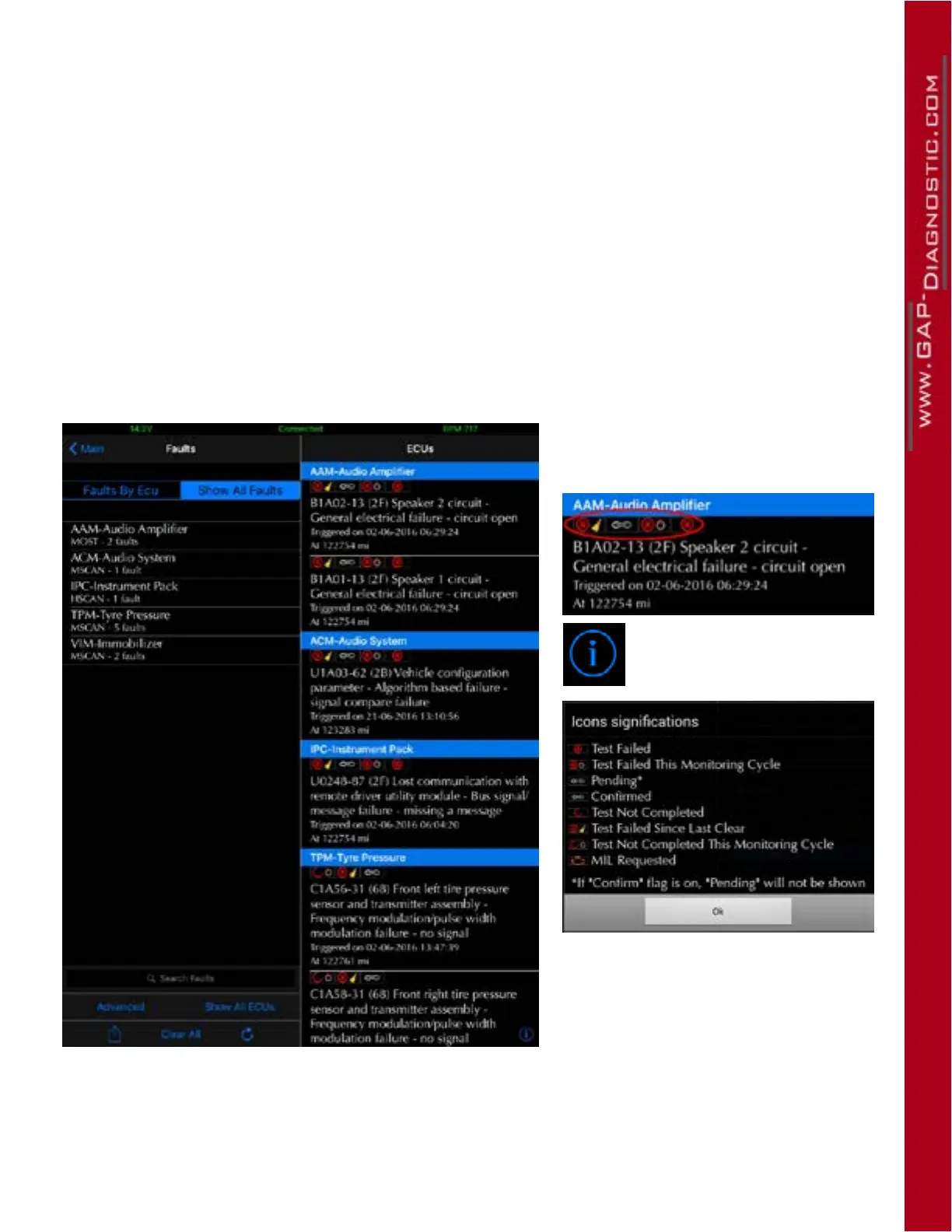
2 characters sux in parentheses used to specify the fault status bits.
Example
Figure 42. Status bits
Icons representing the status bits
are located above the description of
each faults.
The denitions can be found
by clicking on the i button
(bottom right).
Note : In some cases, faults will have
the conrmed and pending bits set
to 1. As the conrmed bit prevails,
only this icon will be displayed.



 To Next Page