182 183
IIDTool
GAP Diagnostic 2023-09-12 All Rights Reserved
User Manual G3 units : Version 37, Firmware V4.0
4.12 Function “ ECU Info ”
Denition
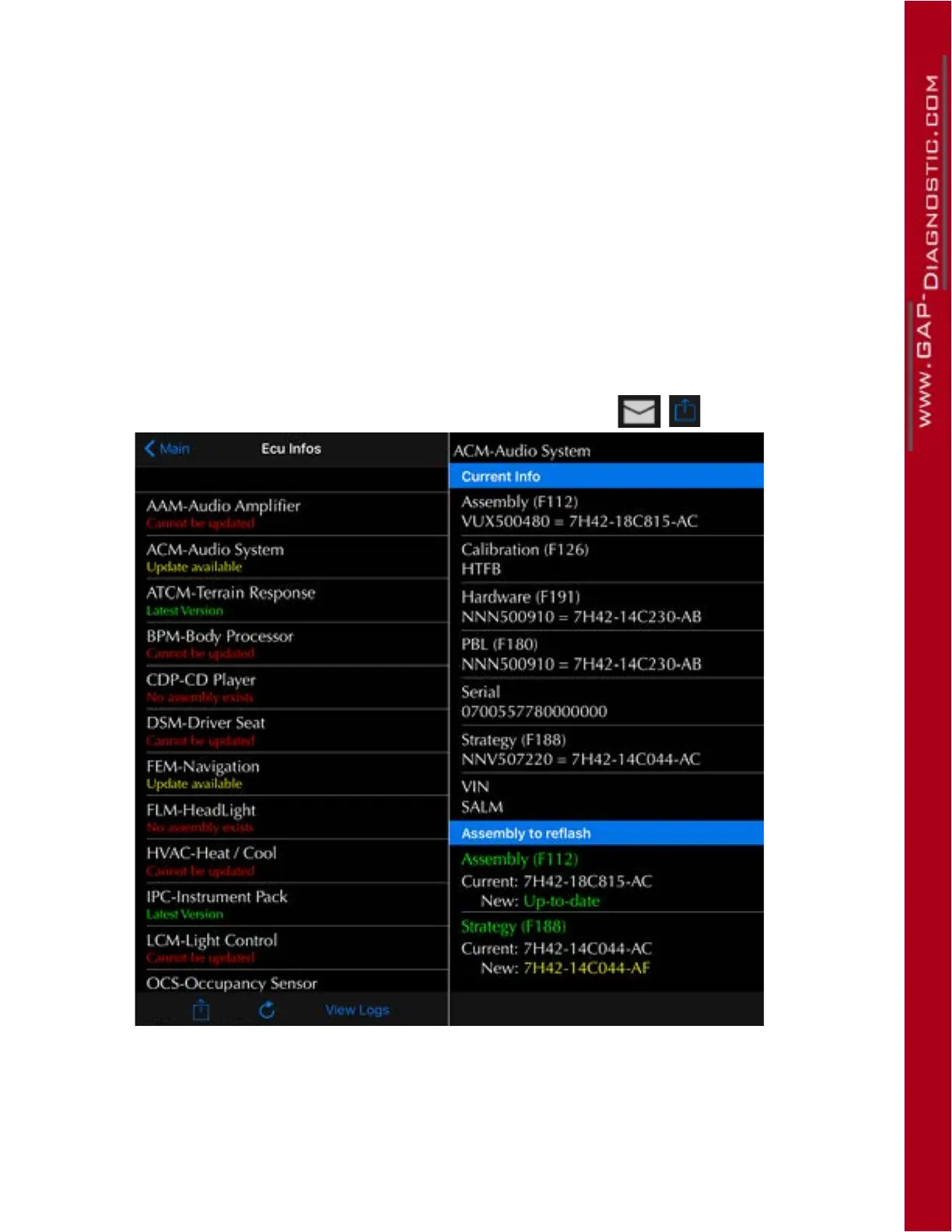
This function allows viewing the following information of the selected ECU:
• Hardware
• Assembly
• Strategy
• Calibration
• ECU Serial number
Access
1- Perform the initial stages of access (section 4.1.3)
2- Select the “ ECU Info ” function
3- Wait until the IIDTool nishes with interrogating ECUs
4- The resulting list will be displayed and can be send by e-mail.
Figure 110.
Figure 111.
Figure 112.
Figure 113.
Figure 114.
Figure 115.
Figure 116.
Figure 117.
Figure 118. ECU Info results
Click on an ECU to see it’s specic les and possible updates.



 To Next Page