42 43
IIDTool
GAP Diagnostic 2023-09-12 All Rights Reserved
User Manual G3 units : Version 37, Firmware V4.0
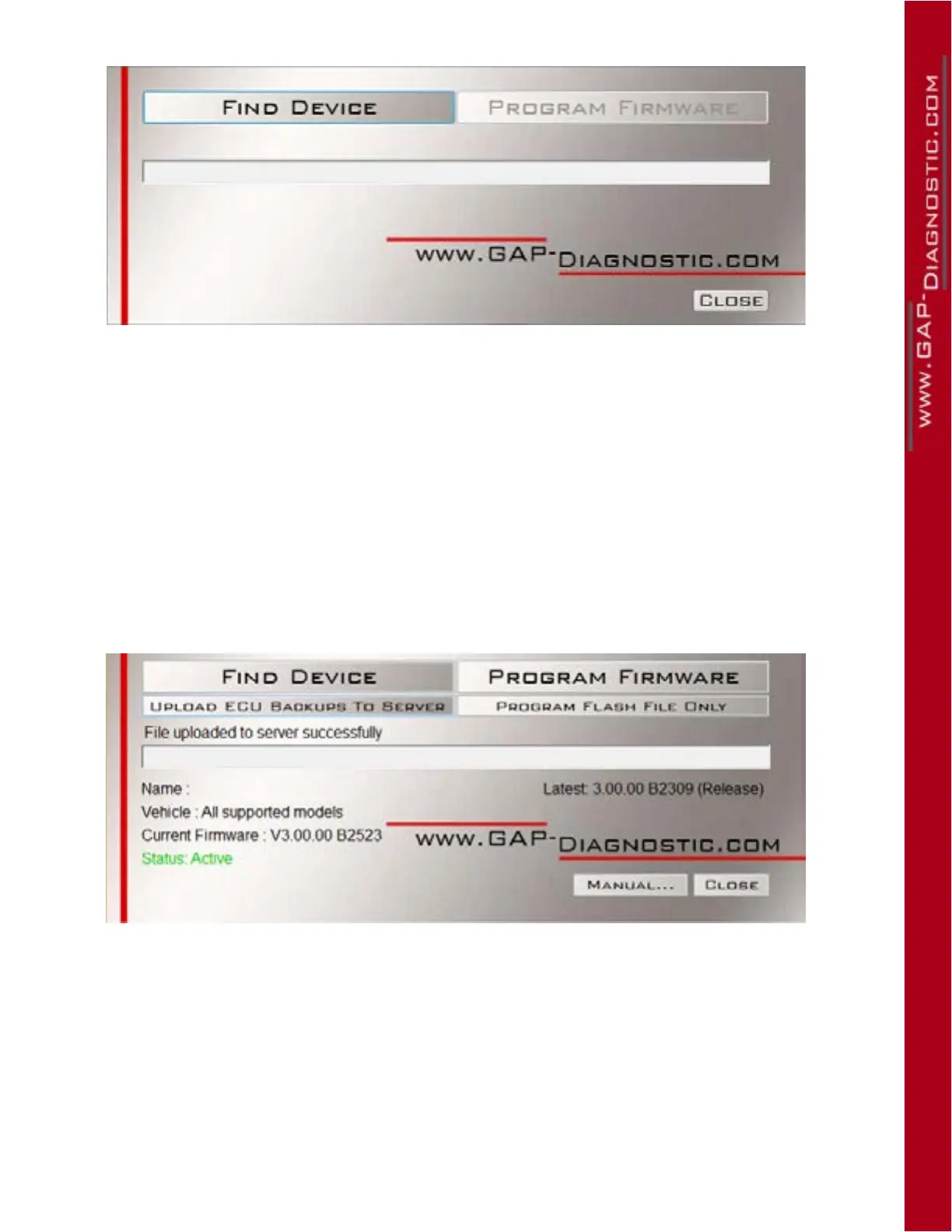
Figure 18. Updater software overview
2.5.2 Update ECU les only
When new ECU les use by the ECU Flash function are available, you can download them to the IID-
Tool without updating the IIDTool rmware itself. This speeds up the process.
1- Connect the tool to the USB port of the computer using the USB cable
2- Start the updater software previously installed in the computer
3- Click on “ FIND DEVICE ” and wait for pairing of the tool with the updater software. Once paired,
the user information, vehicle information and current rmware version of the tool will be dis-
played.
4- Click on “ PROGRAM FLASH FILES ONLY ”. The evolution of each data le is observable in
succession on the progress bar.
Figure 19. Overview, “ Program Flash File Only ” button



 To Next Page