30
IIDTool
GAP Diagnostic 2023-09-12 All Rights Reserved
User Manual G3 units: Version 37, Firmware V4.0
1.7.5 App parameters
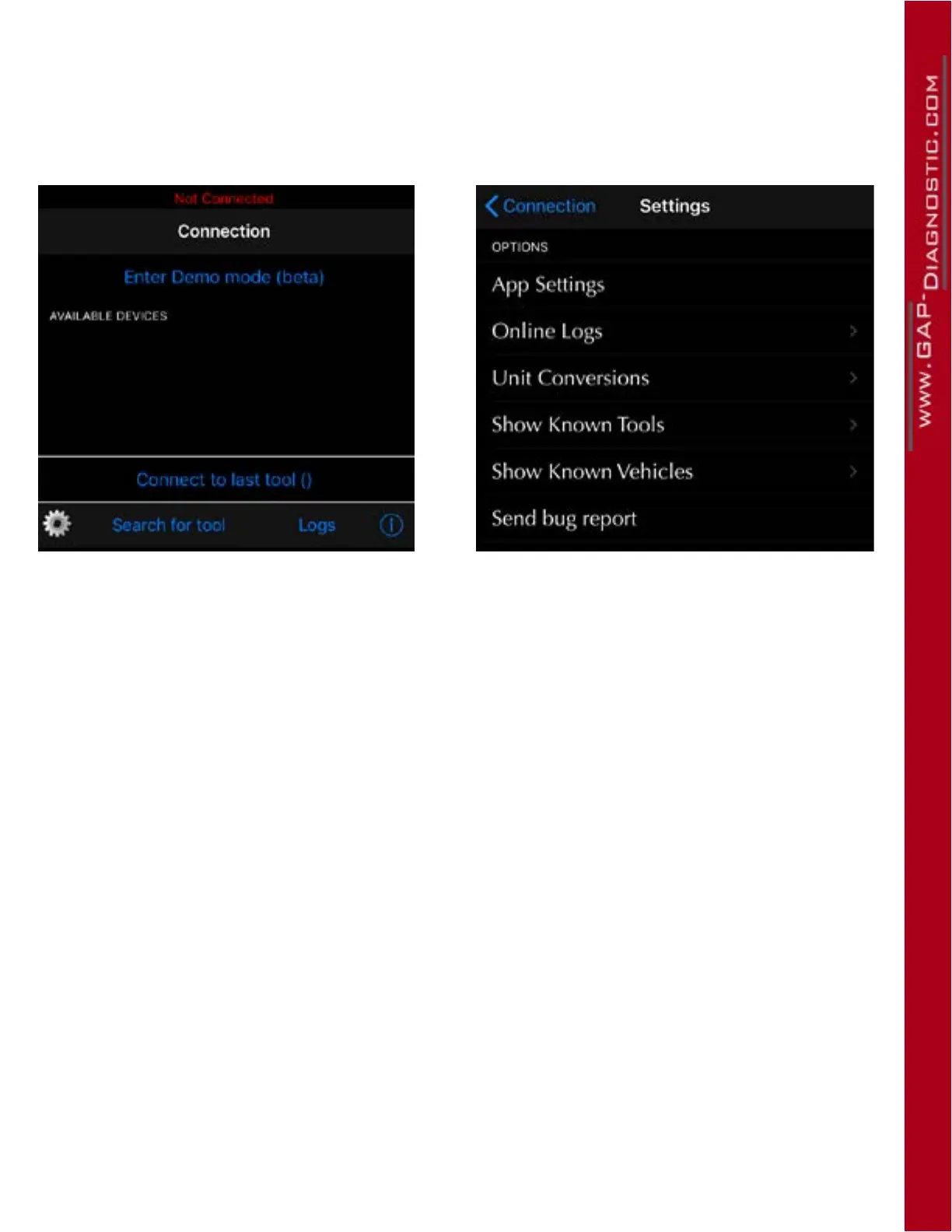
The App settings are available by pressing the cog wheel located on the login screen.
Parameters
Figure 7. Parameters
• App Settings: This presents settings related to the general App functioning.
• Logs: This will allow access to data saved by the datalogger module. The button will be present
if at least one log was created in Live Values.
• Online Logs: View records shared by Friends and yourself.
• Unit Conversion: Allows selection or imperial or metric units. Some values will remain at their
initial unit, boost pressure, for example, is only available in PSI.
• Show Known Tools: View each tool that were used on this mobile device and their specic
information.
• Show Known Vehicles: View each vehicle that were used on this mobile device and their spe-
cic information. VIN and ECU Info (if read once) can be retrieved.
• Send bug reports: This should only be used when an issue is present and GAP Innovation
requires additional data for analysis purposes.



 To Next Page