24
IIDTool
GAP Diagnostic 2023-09-12 All Rights Reserved
User Manual G3 units: Version 37, Firmware V4.0
1.6 Supported vehicles/platforms
Covered vehicles are those for which the IIDTool BT and IIDTool Pro have been designed. This list is
updated as required.
Instructions found In this manual will sometimes be detailed separately depending on the vehicle
model and even the Model Year of covered vehicles (see denition below).
To lighten the text, electronically similar vehicles will be grouped as “Referent Model Code”. Jaguar
Land Rover platform codes are matched with a sux representing a range of Model Years where spe-
cic features are presented.
To identify the referent model, please consult the table found on next page, having taken care to cor-
rectly identify previously, however, the Model Year.
1.6.1 Model Year Identication
The Model Year is an approximate description of the production time of a vehicle in terms of its speci-
cations or design revisions.
Note : The Model Year does not coincide systematically with the calendar year at which the vehicle
was manufactured (listed on the driver door B pillar sticker or on the certicate of registration).
You can conrm the model year of a vehicle by checking the 10th character of the Vehicle Identication
Number (VIN). It is located at the bottom of the windshield, driver’s side and analyzed as follows:
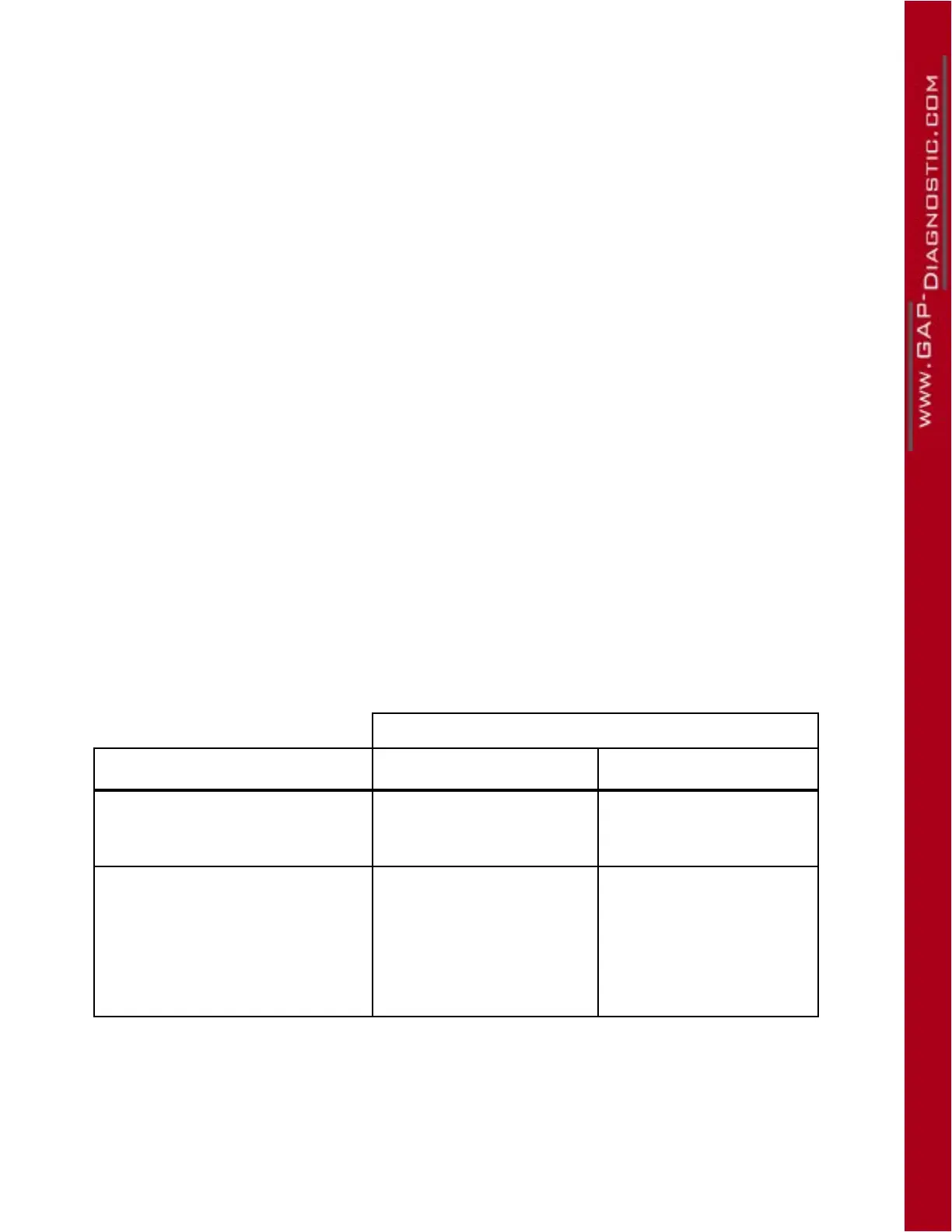
Model Year
10th Character of the VIN Years interval Signication
Numbers,1 to 9 2001-2009
“ 1 ” for 2001
...
9 for 2009
Letters 2010 and up
“ A ” for 2010
“ B ” for 2011
...
the letters i (I), o (O) and
q (Q) are not used (skip-
ped) to avoid confusion
Table 6. Determining a vehicle Model Year using the VIN



 To Next Page