56
IIDTool
GAP Diagnostic 2023-09-12 All Rights Reserved
User Manual G3 units: Version 37, Firmware V4.0
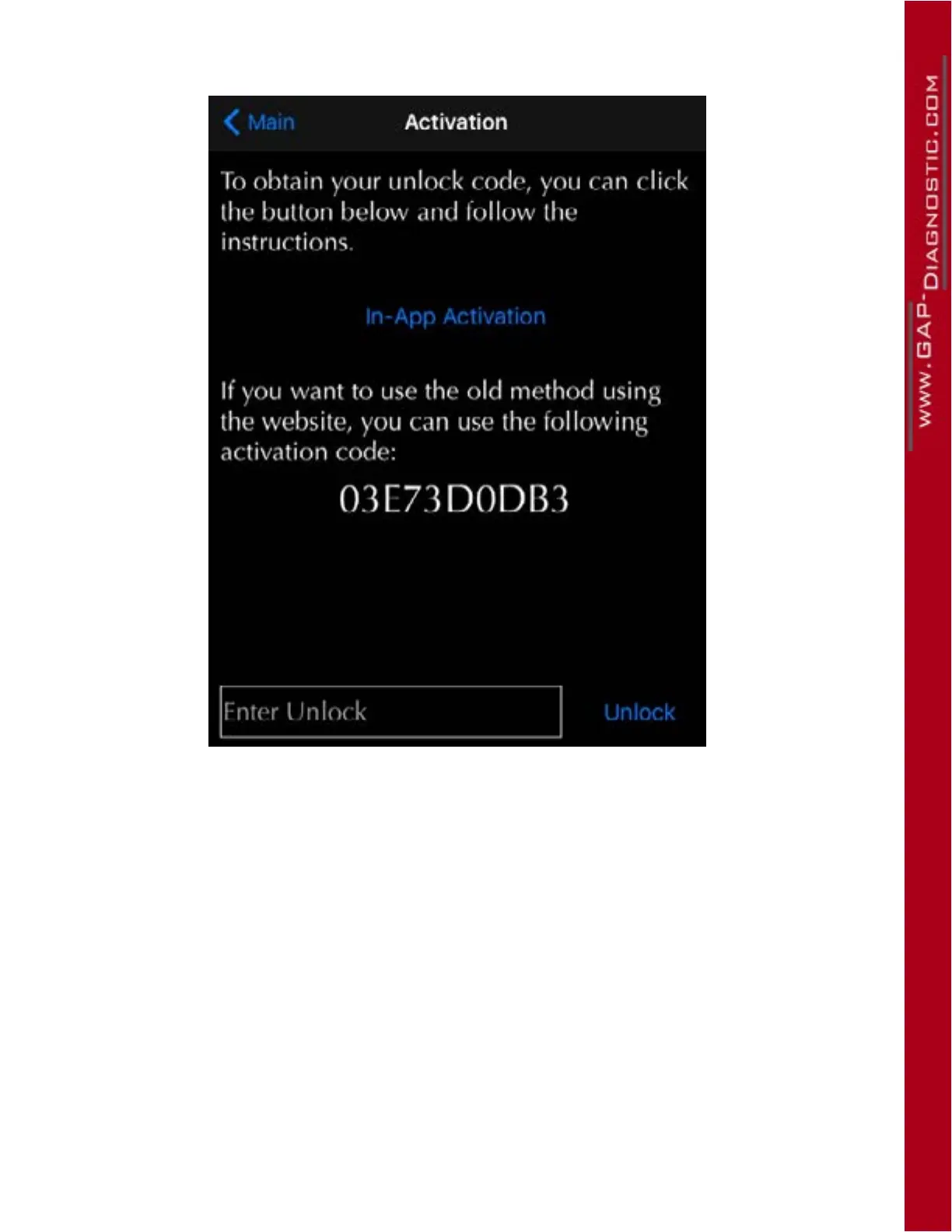
7- Click on “Activate” (right of vehicle information) to display the activation page.
Figure 26. Activation when connected to the Internet
8- Click on “Activate in the App”.
9- If registration on our website was completed (section 2.2), Click on “Log In”.
Or
If registration had not been completed, click on “Register”.
10- Follow the instructions to activate the tool.
Note; BT Once completed, it is not necessary to proceed with further steps. The tool is now ready for
usage.
11- Pro : See section 2.9.3 for additional steps



 To Next Page