60
IIDTool
GAP Diagnostic 2023-09-12 All Rights Reserved
User Manual G3 units: Version 37, Firmware V4.0
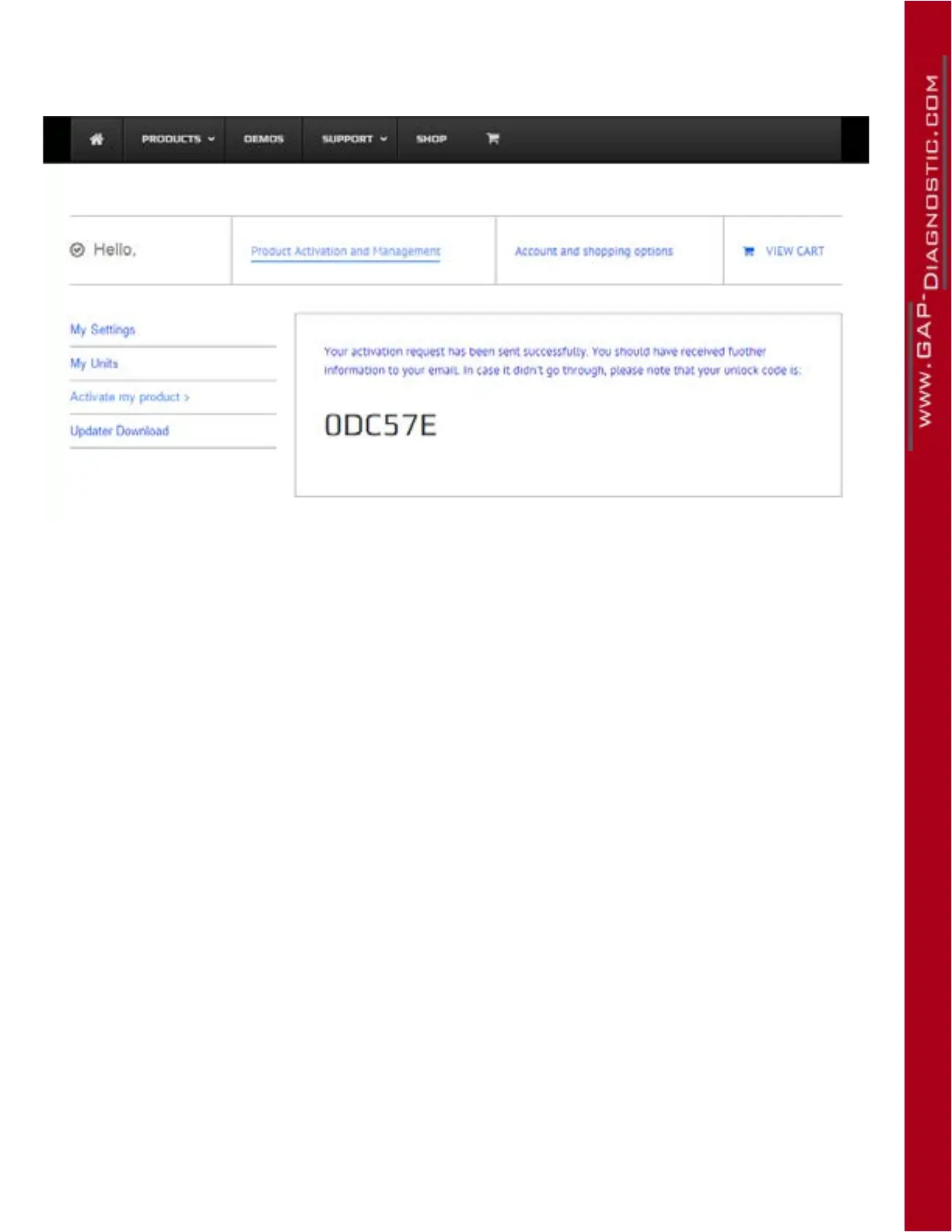
11- The code is displayed on the screen and an Email will be sent.
Figure 31. Unlock code shown on the website
12- Following receipt of the unlock code, press the box “Enter Unlock” at the bottom of the page and
enter the code. Then press on “Unlock”.
13- Once the unlock code is entered correctly, the IIDTool will backup the suspension calibration
and Car Conguration File (CCF). A conrmation of the execution will be displayed.
14- Pro : See for additional steps section 2.9.3
The user now has access to advanced functions and data backup.



 To Next Page