ZP3 Fire Control Panel Installation, Commissioning and Maintenance Manual
Page 92 REV 11 (ISS 08/03/2010)
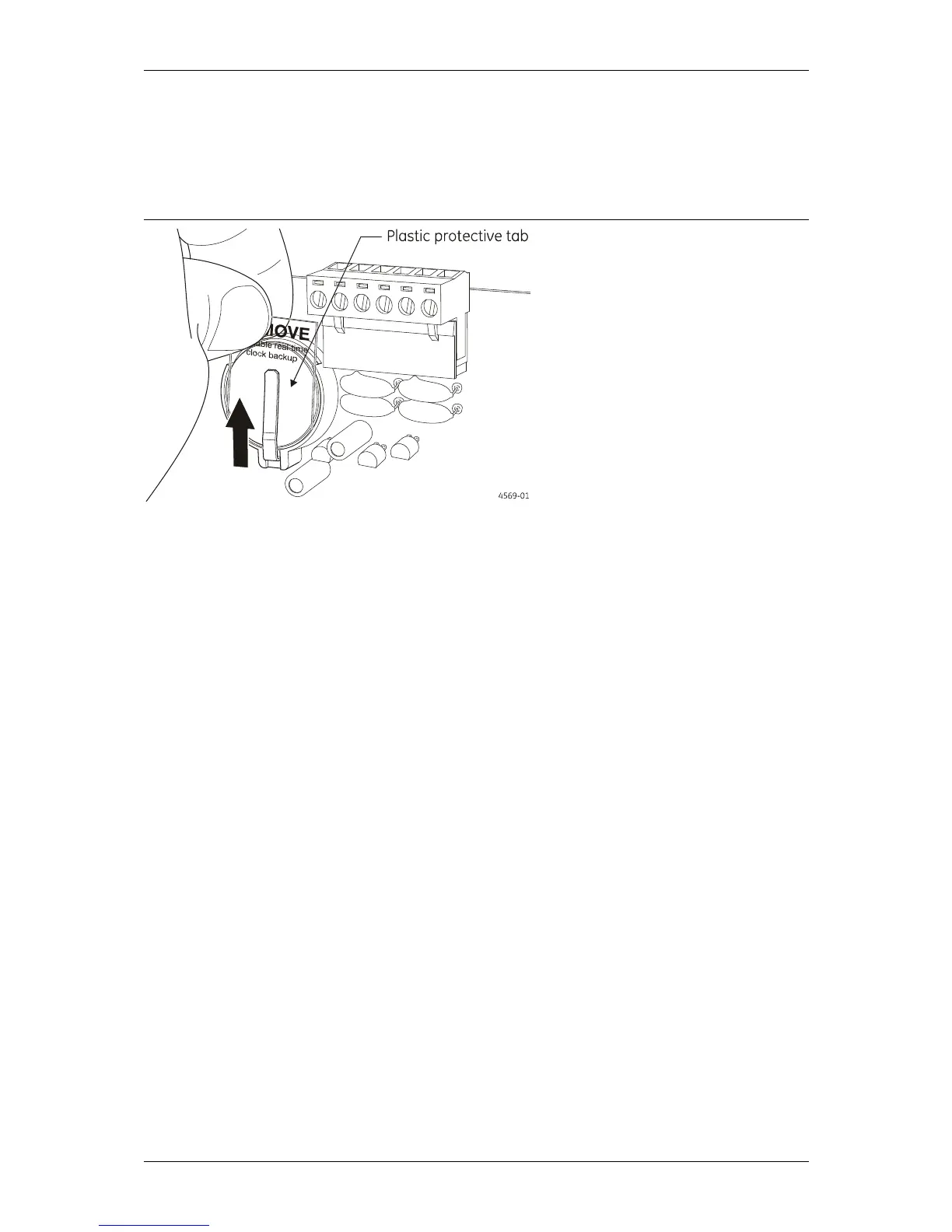
Remove lithium time/date batteries protective tab
Make sure that the plastic protective tab installed between the metal securing clip and the lithium
batteries on the main board is removed to enable the real time/date clock back up (see Figure 58 below).
Figure 58: Lithium time/date batteries protective tab
Verify system programming
The software configuration can be verified by checking the system configuration printout from
the "Ziton Planner" programme. If the system was not programmed using Planner, then a printout
of the zoning and I/O-mapping functions can be obtained from the panel. The following must be
checked and verified:
Access control levels are correctly set
System configuration (global settings) have been set in the "Setup" menu
AGV function has been enabled if this feature is required
Panel number is correctly set
Panel has been defined as a standalone or ZP-NET panel
Panel has been defined as "Standard" or "Day/Night" operation
Zoning has been correctly allocated to sensors
If zoning has been de-linked from fascia LED's, then zones must be I/O-mapped to LED's
Sensor/device location messages are correct
Zone identification/location messages are correct
Input - Output mapping is correct
Paradigm sensors have been programmed with the correct profiles
Standard sensors have been correctly set for sensitivity and AVF
Sensors with attached sounder are tagged as such
All sounders in the system are tagged as such
Control outputs are all tagged as such
Sensor self-test feature has been programmed
The correct quantity of loop Isolators has been set
Any delay on silencing of sounders has been set
The printer options have been set
Event on-screen time-stamping has been set, it required



 To Next Page