GE MEDICAL SYSTEMS
D
IRECTION 2380207, REVISION 7 LOGIQ™ 5 PRO SERVICE MANUAL
Chapter 8 Replacement Procedures 8 - 57
8-5-9-4 Removal Procedure (cont’d)
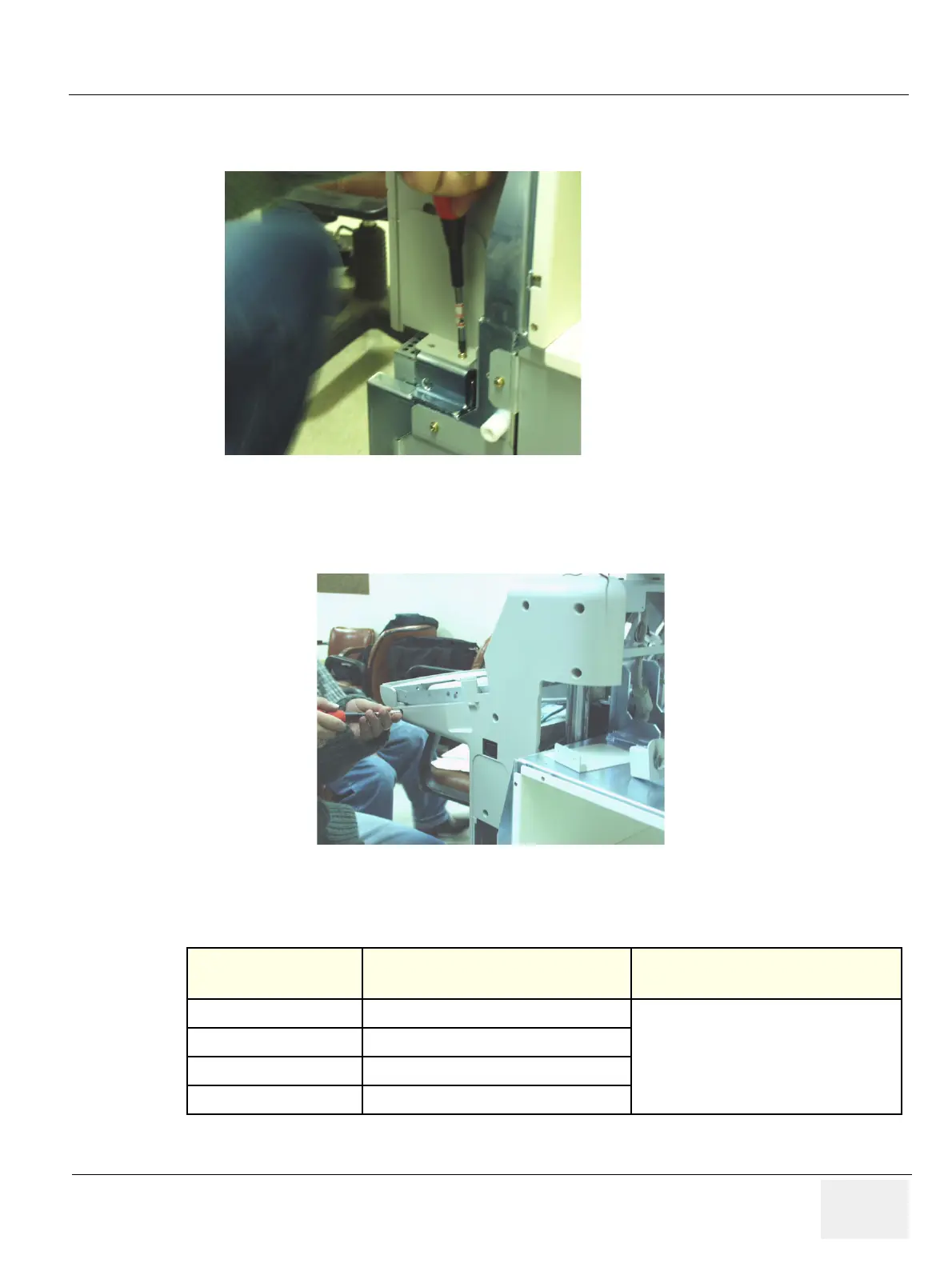
7.) Unscrew two (2) screws (6-7) and remove the OP Curtain R Bracket. Figure 8-55.
NOTE: Different screw in length is used in the location Number (7).
8.) Unscrew six (6) screws (8-13) and remove the OP Side R Cover. Figure 8-56.
9.) Perform the following functional tests. If all are successful, include the debrief script provided below.
8-5-9-5 Mounting procedure
Install the new parts in the reverse order of removal.
Figure 8-55 Removing the OP Curtain R Bracket
Figure 8-56 Removing the OP Side R Cover
Table 8-28 Functional Tests
Service Manual
Section Functional Test / Diagnostic Test Debrief Script
Section 4-3-1
Power On/Boot Up
“Service Manual, Direction
2380207, Rev 7+, Section 8-5-9. Equipment
passed all required tests and is ready for use. “
Section 4-3-2
Power Off / Shutdown
Section 4-12-1
Cover Parts Function Validation
Section 10-5-5
Physical Inspection
(6)
(7)
OP Curtain R Bracket
(8)
(9)
(10)
(11)
(12)
(13)


 To Next Page