page | 94
Creating Macros
Using the GAVA Wizard
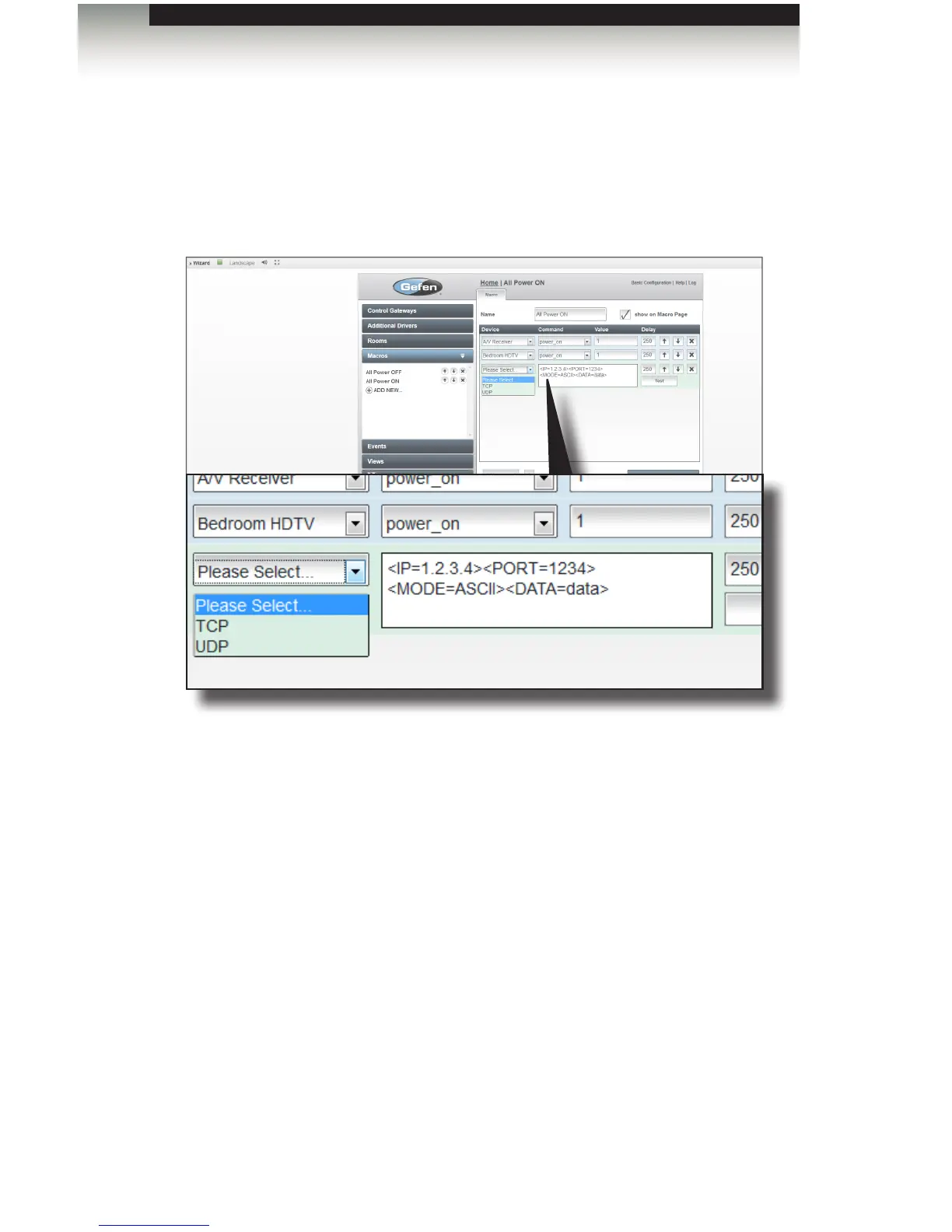
Adding Serial Data
1. Click the ▲ button next to the Add command button.
2. Select Serial data from the list.
3. Select TCP or UDP from the drop-down list.
Enter the required data in the next eld. The data string must be in the form:
<IP=1.2.3.4><PORT=1234><MODE=ASCII><DATA=data>
<IP=....>
The IP tag must contain the IP address of the device being controlled using IP or
the IP address of the PACS that is connected to the serial port of the device being
controlled. The IP address must be in the same subnet as the GAVA.
<PORT=....>
Enter the port address that the device uses for serial communications or the port
address of the PACS serial port that is connected to the device being controlled.



 To Next Page