page | 48
Using the GAVA Wizard
Deleting Elements
1. Select the device from the Control Gateways tab.
2. Click the Elements tab.
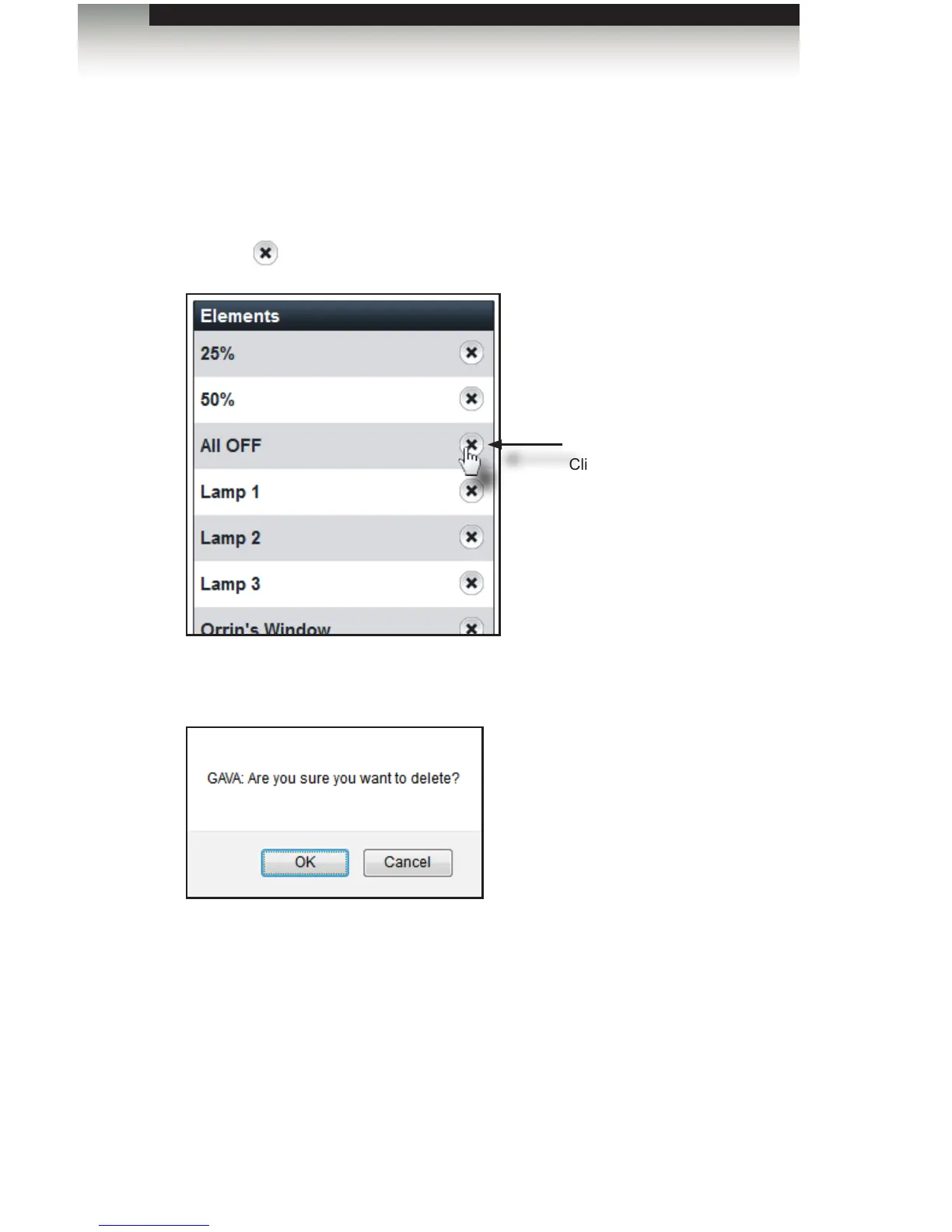
3. Click the icon, next to the element to be deleted.
4. The GAVA will prompt to conrm the action:
5. Click OK to conrm the deletion of the element. Click Cancel to return to the
Elements tab.
6. Click the Done button to return to the Control Gateways tab.
Delete
Click to delete the element
from the list box.
Editing Elements



 To Next Page