page | 162
Sample ESF File
GAVA KNX SAMPLE FILE
CENTRAL.LIGHTING.0/0/1 CENTRAL.LIG.ON/OFF EIS 1 ‘Switching’ (1 Bit) Low
CENTRAL.LIGHTING.0/0/2 CENTRAL.LIG.VALUE EIS 6 ‘Scaling - percent’ (8 Bit) Low
LIGHTING.DIMMER.1/1/0 CHANNEL.A.ON/OFF EIS 1 ‘Switching’ (1 Bit) Low 0/0/1
LIGHTING.DIMMER.1/1/1 CHANNEL.A.RelDIM EIS 2 ‘Dimming - control’ (4 Bit) Low
LIGHTING.DIMMER.1/1/2 CHANNEL.A.VALUE EIS 6 ‘Scaling - percent’ (8 Bit) Low 0/0/2
LIGHTING.DIMMER.1/1/3 CHANNEL.A.STATUS.ON/OFF EIS 1 ‘Switching’ (1 Bit) Low
LIGHTING.DIMMER.1/1/4 CHANNEL.A.STATUS.VALUE EIS 6 ‘Scaling - percent’ (8 Bit) Low
LIGHTING.DIMMER.1/1/10 CHANNEL.B.ON/OFF EIS 1 ‘Switching’ (1 Bit) Low 0/0/1
LIGHTING.DIMMER.1/1/11 CHANNEL.B.RelDIM EIS 2 ‘Dimming - control’ (4 Bit) Low
LIGHTING.DIMMER.1/1/12 CHANNEL.B.VALUE EIS 6 ‘Scaling - percent’ (8 Bit) Low 0/0/2
LIGHTING.DIMMER.1/1/13 CHANNEL.B.STATUS.ON/OFF EIS 1 ‘Switching’ (1 Bit) Low
LIGHTING.DIMMER.1/1/14 CHANNEL.B.STATUS.VALUE EIS 6 ‘Scaling - percent’ (8 Bit) Low
LIGHTING.DIMMER.1/1/20 CHANNEL.C.ON/OFF EIS 1 ‘Switching’ (1 Bit) Low 0/0/1
LIGHTING.DIMMER.1/1/21 CHANNEL.C.RelDIM EIS 2 ‘Dimming - control’ (4 Bit) Low
LIGHTING.DIMMER.1/1/22 CHANNEL.C.VALUE EIS 6 ‘Scaling - percent’ (8 Bit) Low 0/0/2
LIGHTING.DIMMER.1/1/23 CHANNEL.C.STATUS.ON/OFF EIS 1 ‘Switching’ (1 Bit) Low
LIGHTING.DIMMER.1/1/24 CHANNEL.C.STATUS.VALUE EIS 6 ‘Scaling - percent’ (8 Bit) Low
LIGHTING.DIMMER.1/1/30 CHANNEL.D.ON/OFF EIS 1 ‘Switching’ (1 Bit) Low 0/0/1
LIGHTING.DIMMER.1/1/31 CHANNEL.D.RelDIM EIS 2 ‘Dimming - control’ (4 Bit) Low
LIGHTING.DIMMER.1/1/32 CHANNEL.D.VALUE EIS 6 ‘Scaling - percent’ (8 Bit) Low 0/0/2
LIGHTING.DIMMER.1/1/33 CHANNEL.D.STATUS.ON/OFF EIS 1 ‘Switching’ (1 Bit) Low
LIGHTING.DIMMER.1/1/34 CHANNEL.D.STATUS.VALUE EIS 6 ‘Scaling - percent’ (8 Bit) Low
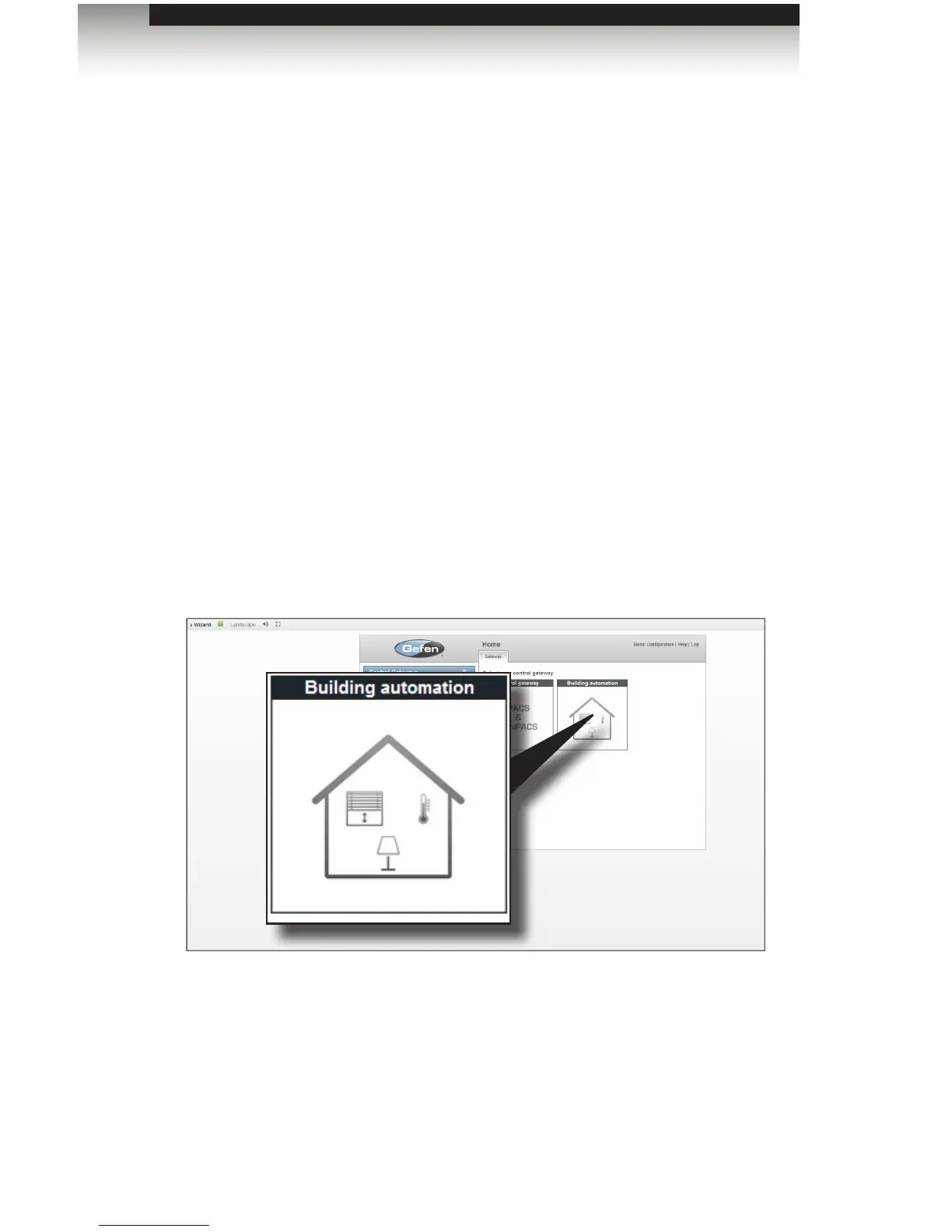
Adding the KNX Control Gateway
1. Open the Control Gateways tab and select the Building automation icon.
2. Type the name of the control in the Name eld.
3. Select the device from the Manufacturer drop-down list.
4. Select the model from the Model drop-down list.
Using the GAVA with a KNX Automation System
Appendix



 To Next Page