page | 164
Using the GAVA with a KNX Automation System
Appendix
Adding Elements
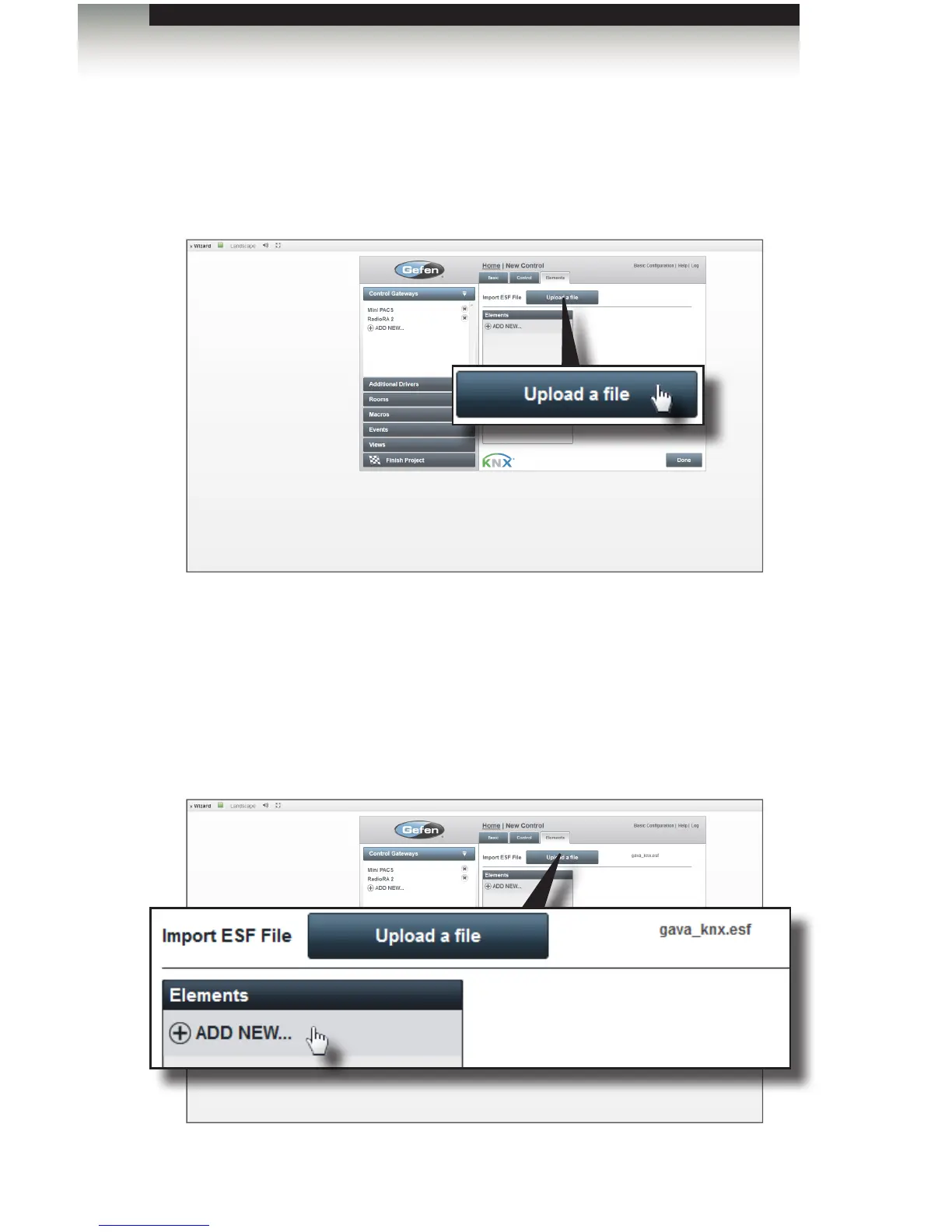
1. Under the Elements tab, click the Upload a le button.
2. Locate the .esf le on the computer (e.g. knx.esf).
3. Select the .esf le from the File Upload dialog and click the Open button.
Once the .esf le has been imported, the lename will appear next to the
Upload a le button.
4. Click ADD NEW... to add an element from the programmed device list to the
GAVA Wizard menu. Add all of the elements that will be used in the system here.
Elements will be assigned to specic rooms later in the Rooms menu.



 To Next Page