page | 15
Introduction
The Log File
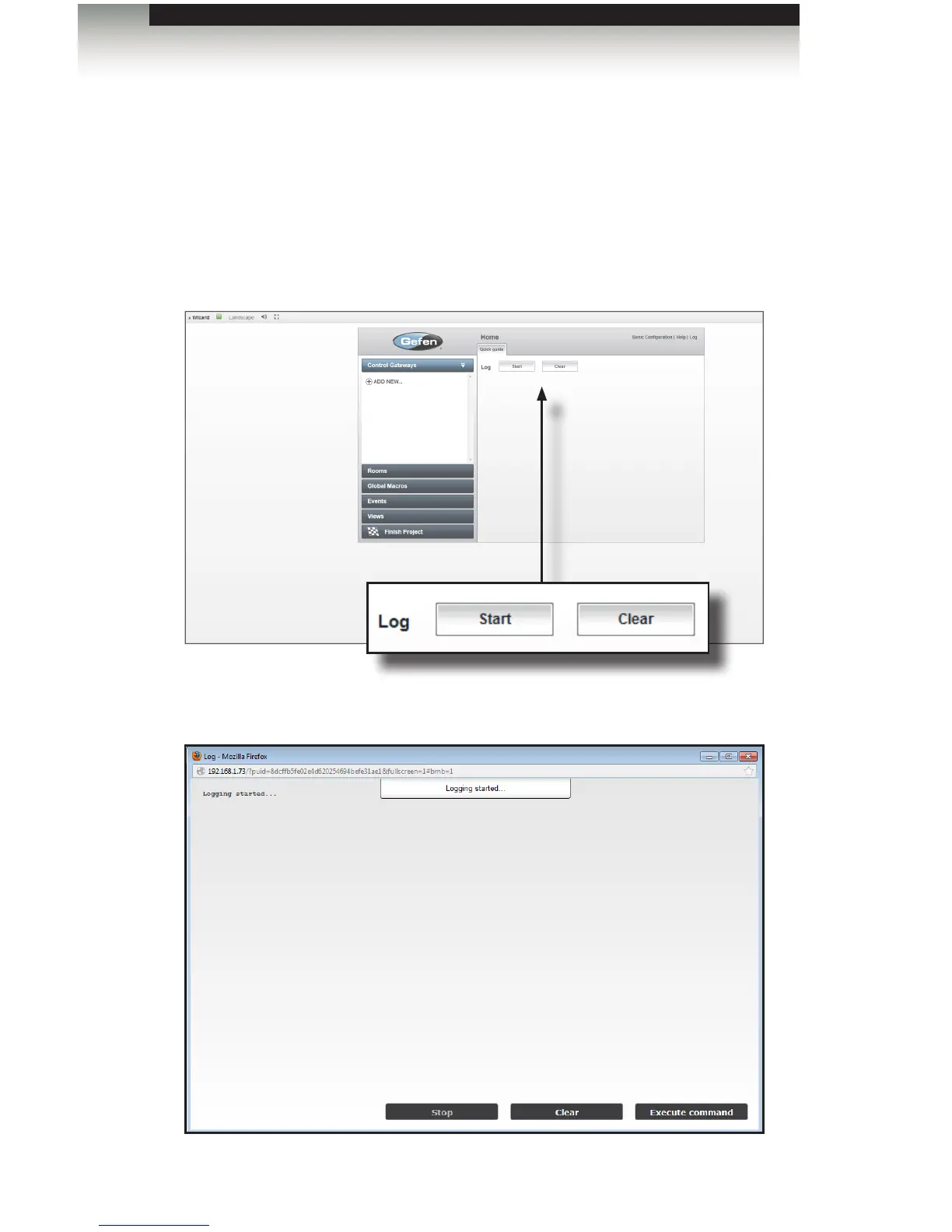
The Log button lets GAVA record all internal events. Click Log if directed by Gefen
Technical Support or to take a look “under the hood”.
1. Click Log in the upper right-hand corner of the screen. The Log screen will be
displayed.
2. To begin the logging process, click the Start button. Events will now be displayed
and recorded, as shown below:
Using the GAVA Wizard



 To Next Page