page | 5
Getting Started
Installing GAVA - Setting up the Network
Things you’ll need:
• Gefen A/V Automation System Processor
• Gefen PACS / Mini PACS
• Local area network (LAN)
In order to install the GAVA (and PACS / Mini PACS), you need to rst install and locate
them on your local network (LAN). Installation is simple: Plug them into available Ethernet
ports on your network and connect the included power supplies. Only plug in one PACS--
after you change its IP address, you can add more.
Locating them on your network and conguring them may be a bit more complicated,
depending upon your network setup. If you have an IT Administrator or consultant, they
should be able to assist you, or you can use some easily available tools to help you do it
yourself.
Depending upon the conguration of the network, locating, installing, and conguring
the GAVA / PACS / Mini PACS may be complicated. If you have an IT Administrator or
consultant, they should be able to assist you. There are also some tools that are available
in order to help do it yourself.
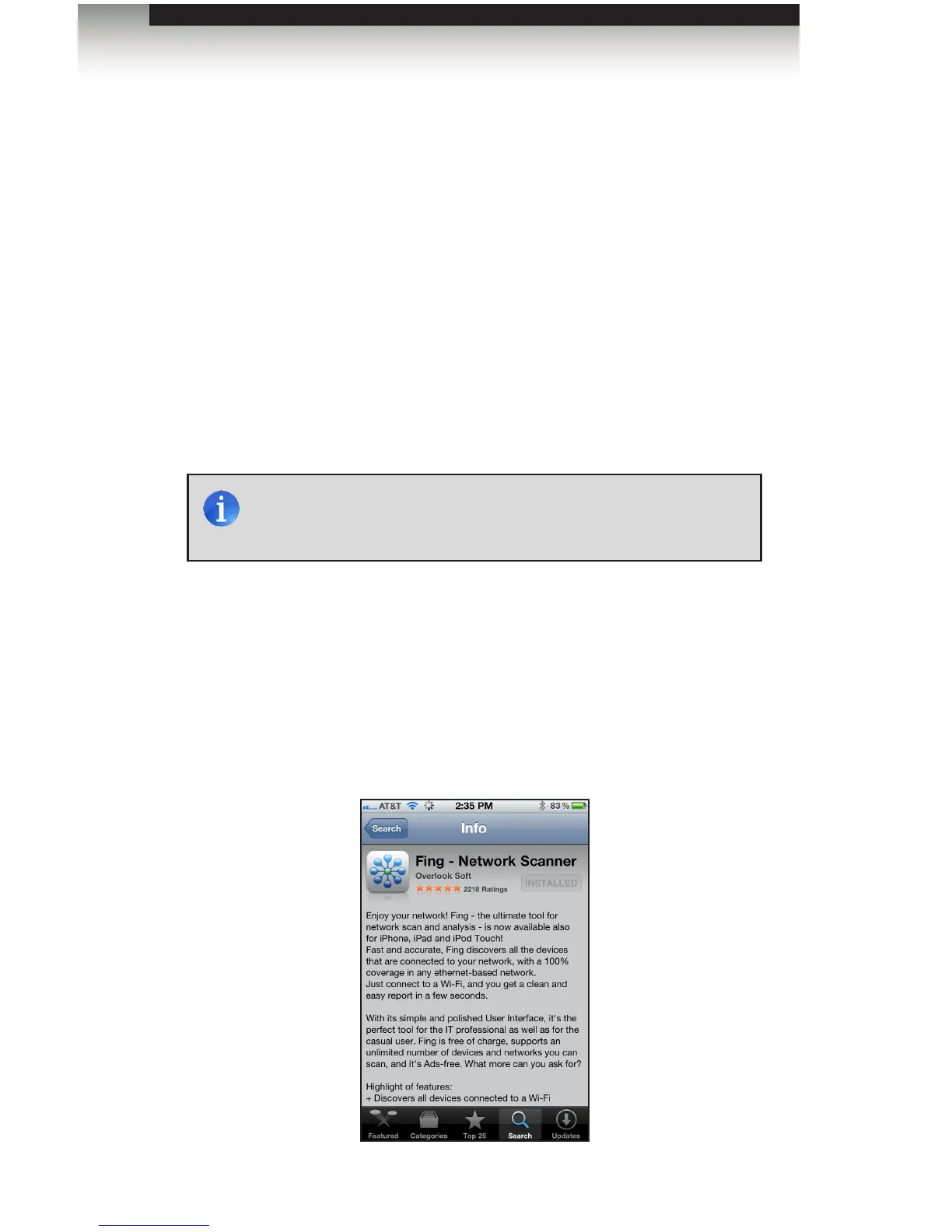
Using the “Fing” App
The best network setup tool is a free iPod/iPad App called “Fing - Network Scanner”.
Search for it on the Apple App Store and download it to your device. There is an Android
version available as well.
NOTE: If you have multiple PACS units, connect only one PACS at a
time. After you change the IP address of the PACS, additional PACS
units can be installed on the network.



 To Next Page