page | 49
Editing Elements
Using the GAVA Wizard
Changing Element Properties
1. Select the device from the Control Gateways tab.
2. Click the Elements tab.
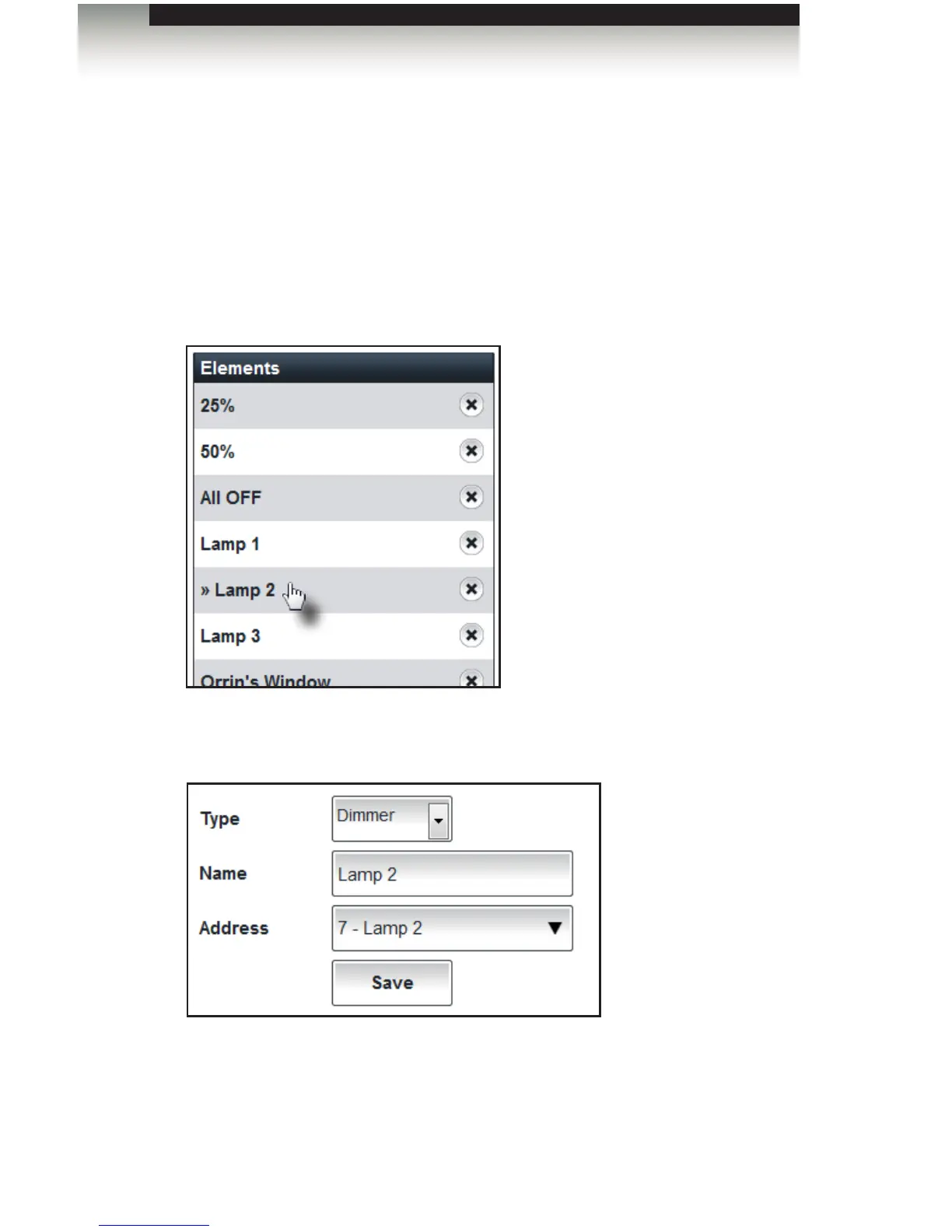
3. Click the element, under the Elements list, to be edited.
The “>>” marks indicate that the element settings are being edited. In this example,
we are editing the properties for the element Lamp 2.
4. The Type, Name, and/or Address elds can modied, as desired.
5. After all changes have been made, click the Save button.
6. Click the Done button to return to the Control Gateways tab.



 To Next Page