page | 17
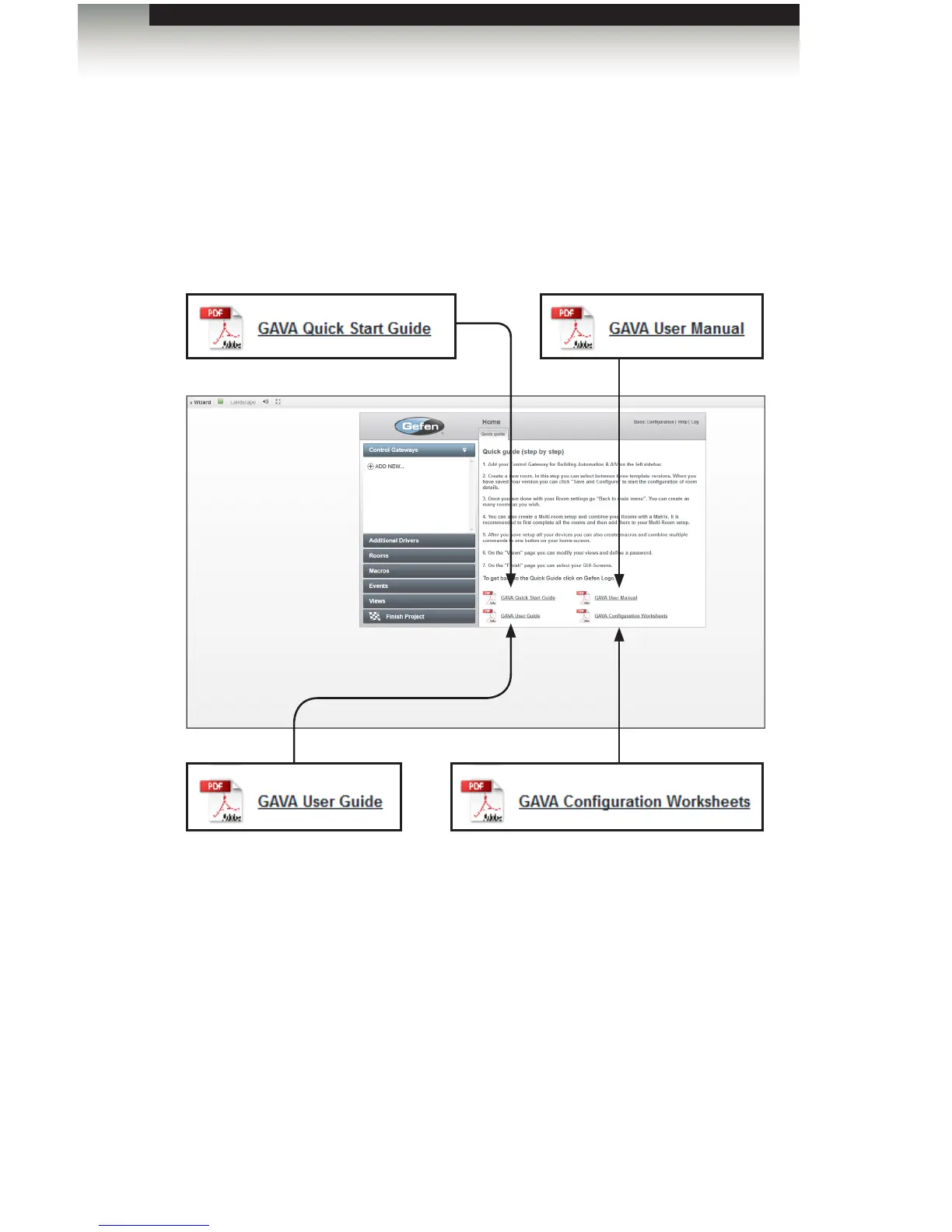
The Help System
On the bottom-right portion of the screen, are four links: Clicking on one of the links
will display the GAVA User Manual. The other link will display this Quick-Start Guide.
Context-sensitive help is also available by clicking “Help” in the top-right corner of the
screen. Internet connectivity is required to use the context-sensitive help.
Introduction
GAVA User Manual
Click this button to display the GAVA
User Manual (this documentation).
An Internet connection is not required
to display the User Manual.
GAVA Conguration Worksheets
Click this button to display the GAVA
Conguration Worksheets. These
documents are also available in
the Appendix of this manual. See
Conguration Worksheets.
GAVA Quick Start Guide
Click this button to display the GAVA
Quick-Start Guide. An Internet
connection is not required to display
the Quick-Start Guide.
GAVA User Guide
Click this button to display the GAVA
User Guide.
Using the GAVA Wizard



 To Next Page