page | 78
Adding Rooms
Using the GAVA Wizard
Adding an A/V Matrix
Once all your devices are setup in each room, you can add and setup a matrix to control
each device. We recommended that you add and congure all devices in each room
before adding a matrix.
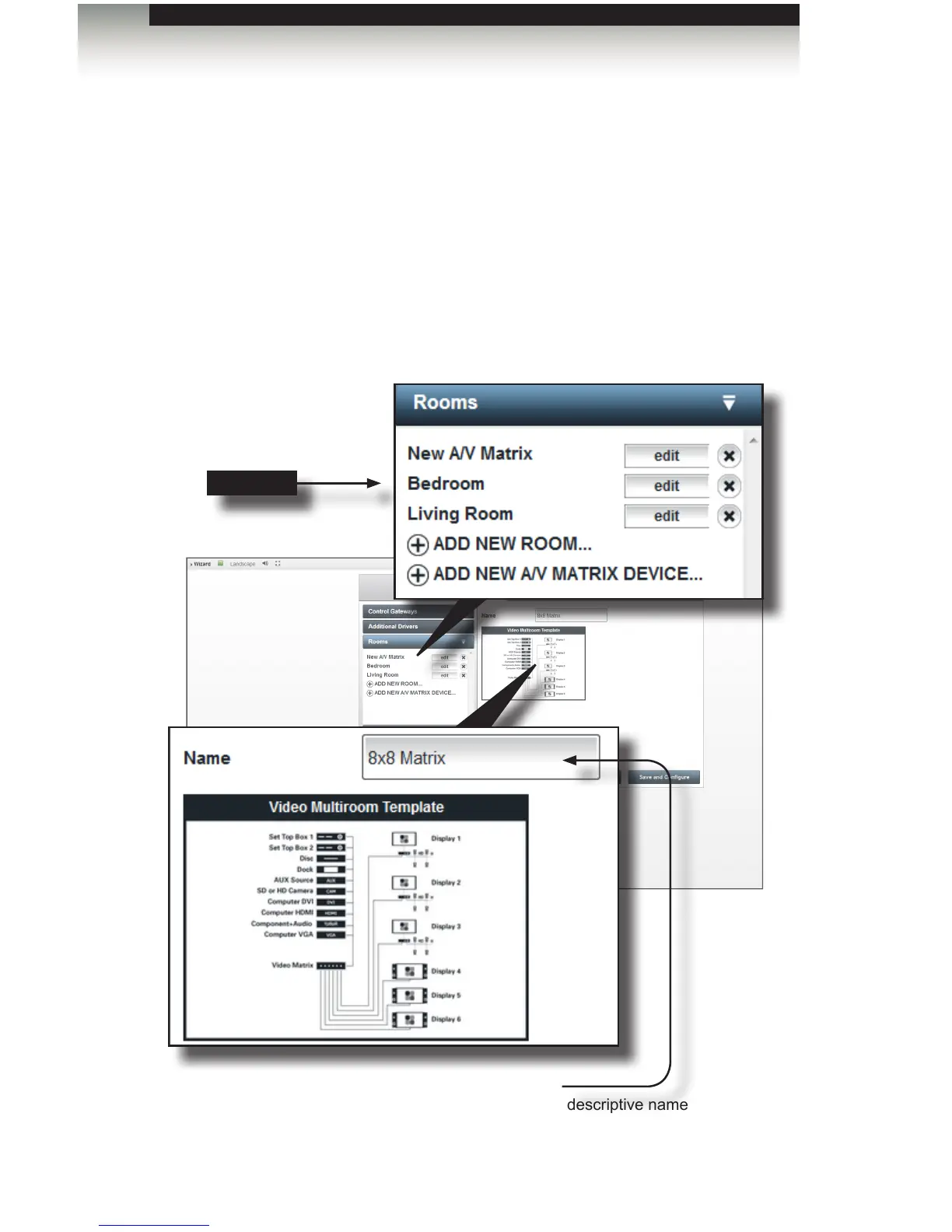
1. Open the Rooms tab and click ADD NEW A/V MATRIX DEVICE...
For illustrative purposes, a second room (“Bedroom”) has already been created
and is visible under the Rooms sidebar button.
2. Provide a name for the matrix in the Name eld.
New room
Name
Enter a descriptive name
for the matrix A/V device.



 To Next Page