page | 44
Adding Elements
Using the GAVA Wizard
Adding a Keypad
1. Click ADD NEW...
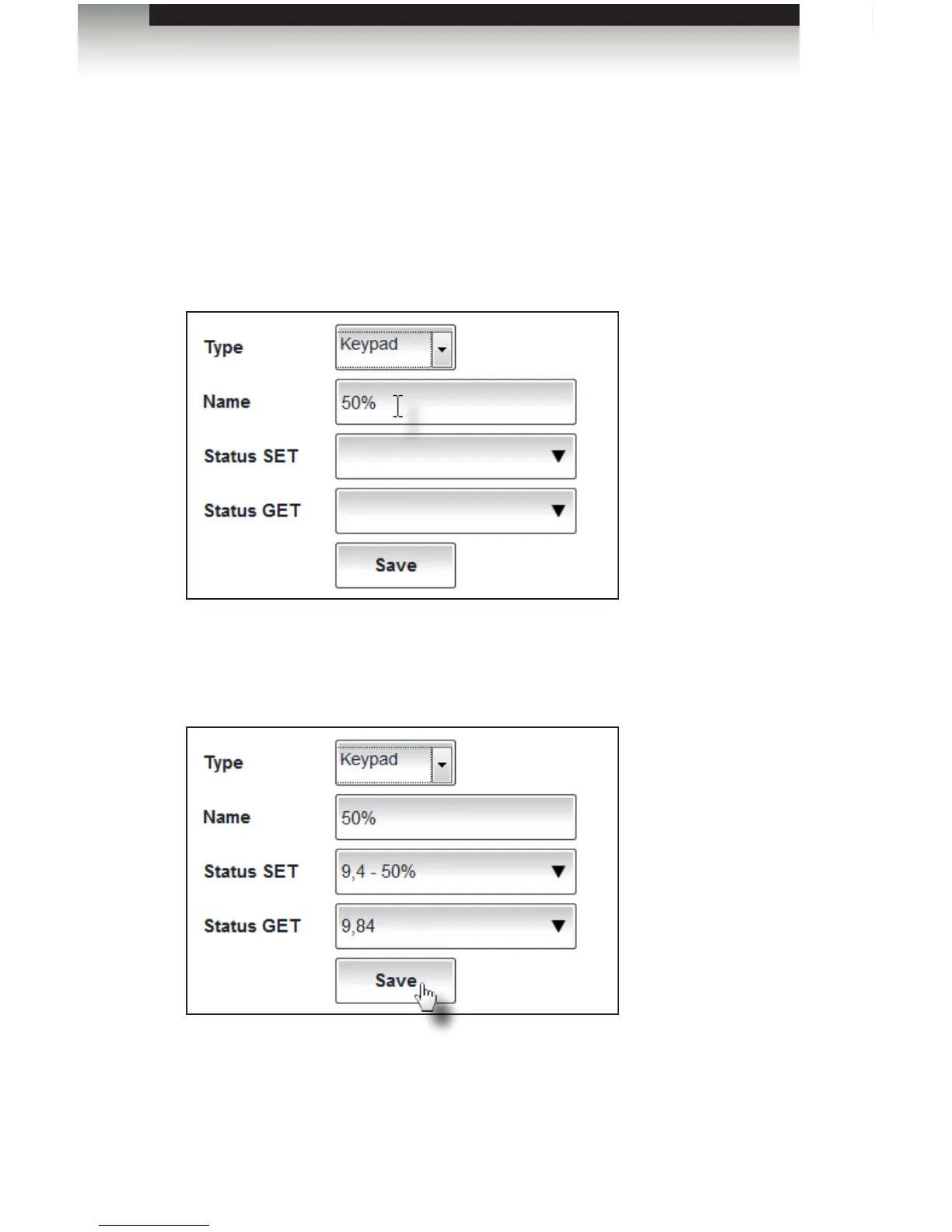
2. Select Keypad from the Type drop-down list.
3. Type a description name of the button that will be used to control the device in the
Name eld. In the example below, we will assign a button to dim all lights to 50%.
4. Select the button name from the Status SET drop-down list. Once the Status SET
value is selected, the Status GET value will automatically be assigned, as shown
below.
5. Click the Save button to add the element to the list box.



 To Next Page