page | 121
The GAVA User Interface
Home Screen
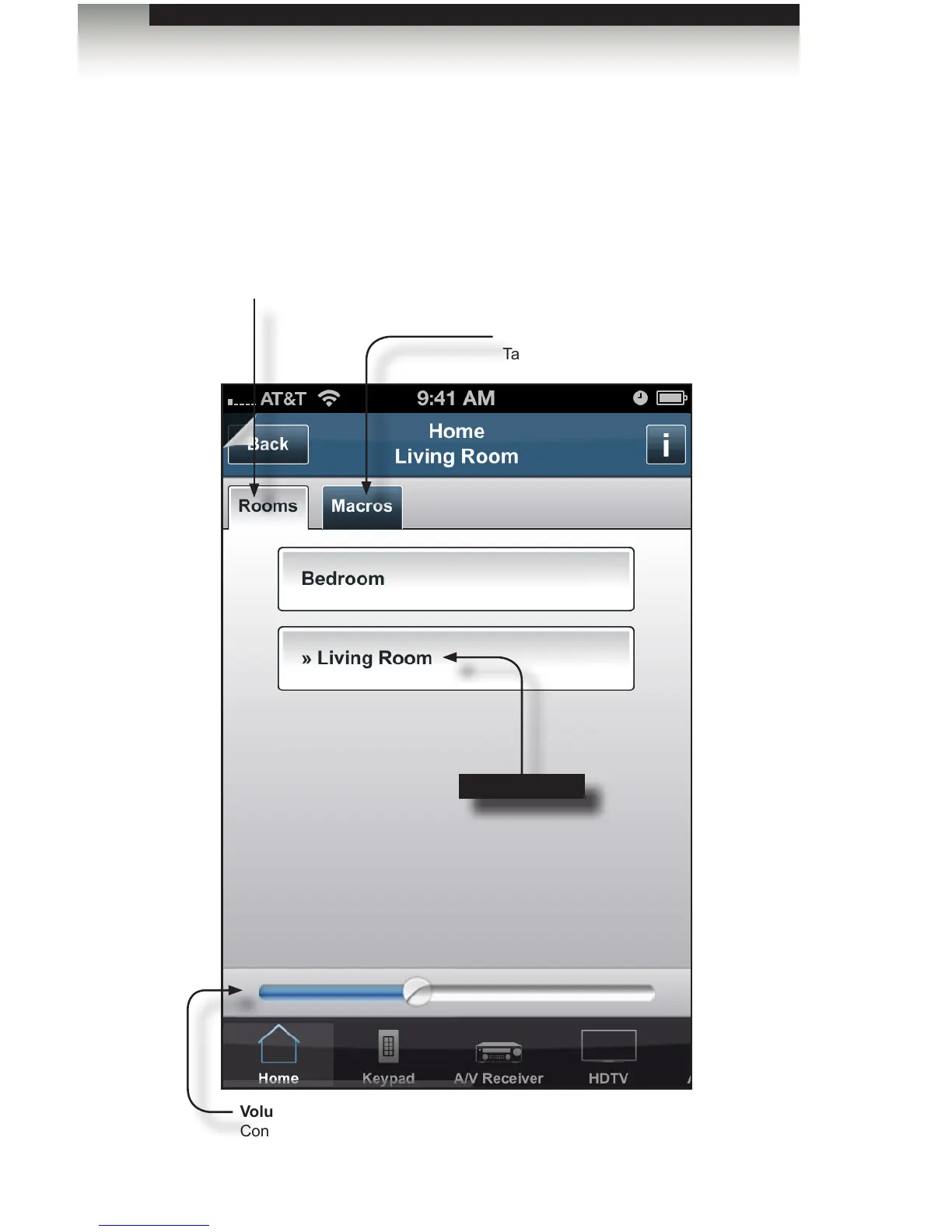
The following illustrations provide a description of each element each of the GAVA screens,
within the GUI. The following screens are from the iPhone.
Rooms tab
Room tab
Displays all rooms that were created. Tap to select the desired room.
The selected room will be highlighted.
Activities + Macros
Tap to display all created macros.
Volume control
Controls the volume for the selected room.
Selected room



 To Next Page