page | 114
The GAVA User Interface
Installing the GAVA App
The GAVA App is free and is available from the Apple App Store and the Google Play Store.
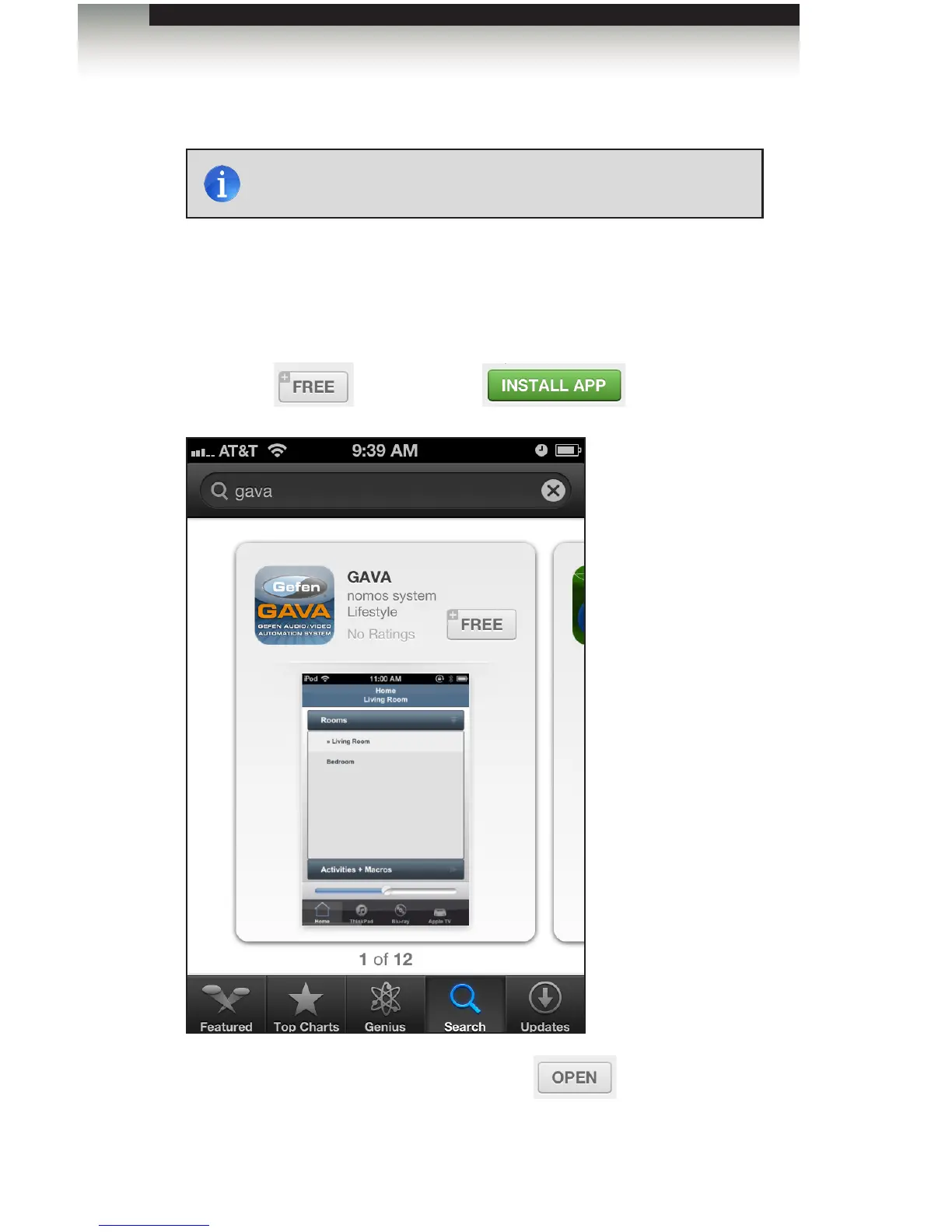
In the following example, we will download and install the GAVA App for the iPhone.
1. Go to the App Store.
2. Use the Search feature and type in “gava”.
3. Click on the button, then click
4. Once the GAVA App has been installed, click the button to launch the App.
The GAVA App will also be available from the Home screen.
NOTE: Android devices must be running Android 4.2 or greater in
order to download the GAVA App.



 To Next Page