page | 153
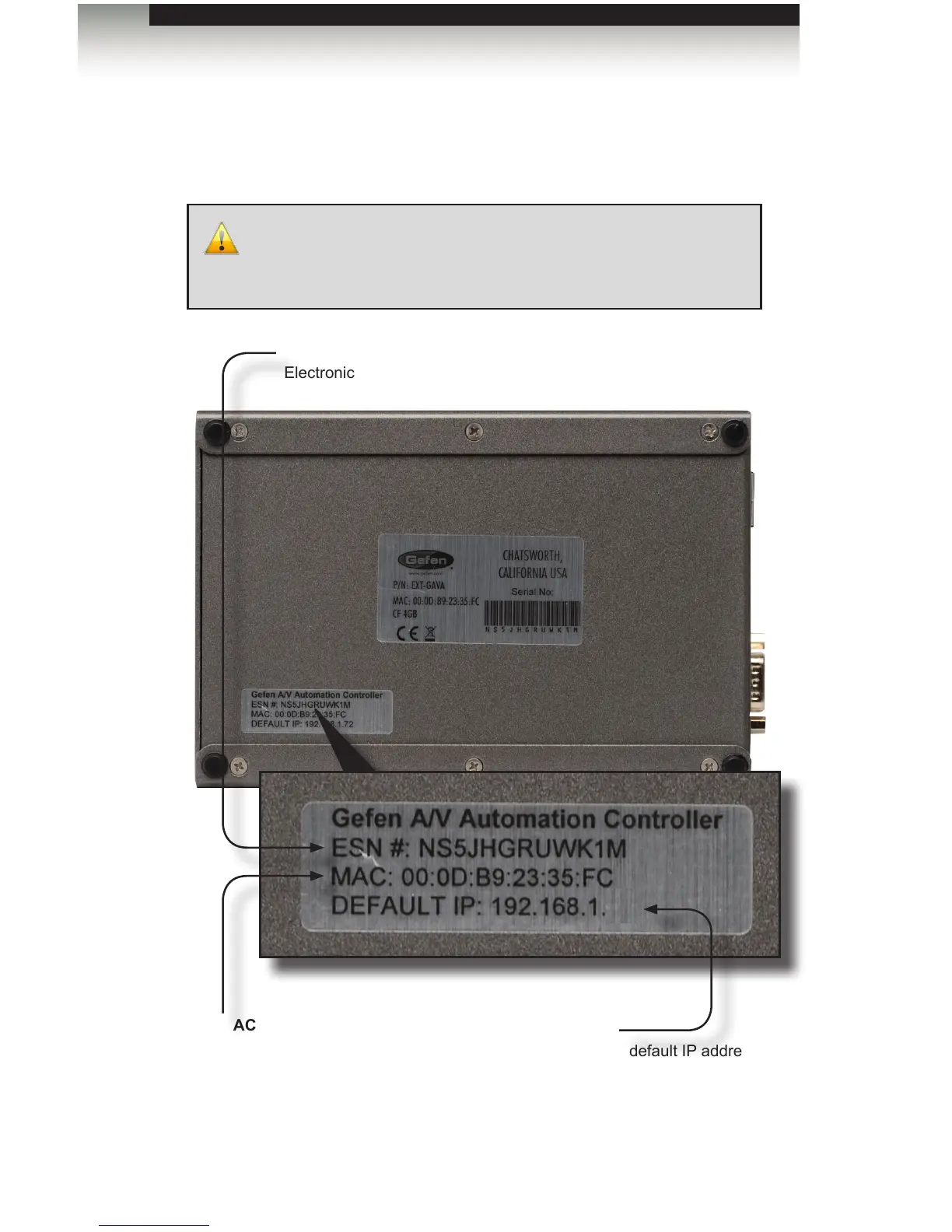
Before connecting the GAVA to a network, locate the label on the bottom of the GAVA.
The MAC address and the default IP address will be listed on the label. The default IP
address (192.168.1.82) will be used to connect the GAVA to the network.
IMPORTANT: Because all GAVA units have the same default IP
address, only one GAVA should be connected to a network at a time.
If more than one device with the same IP address is connected to a
network, the computers will be unable to locate any of the devices.
IP
The default IP address
of the GAVA.
ESN
Electronic Serial Number
MAC
Primary MAC address of
the GAVA. This address is
different for each unit and
cannot be changed.
82
Setting the IP Address
Appendix



 To Next Page