page | 152
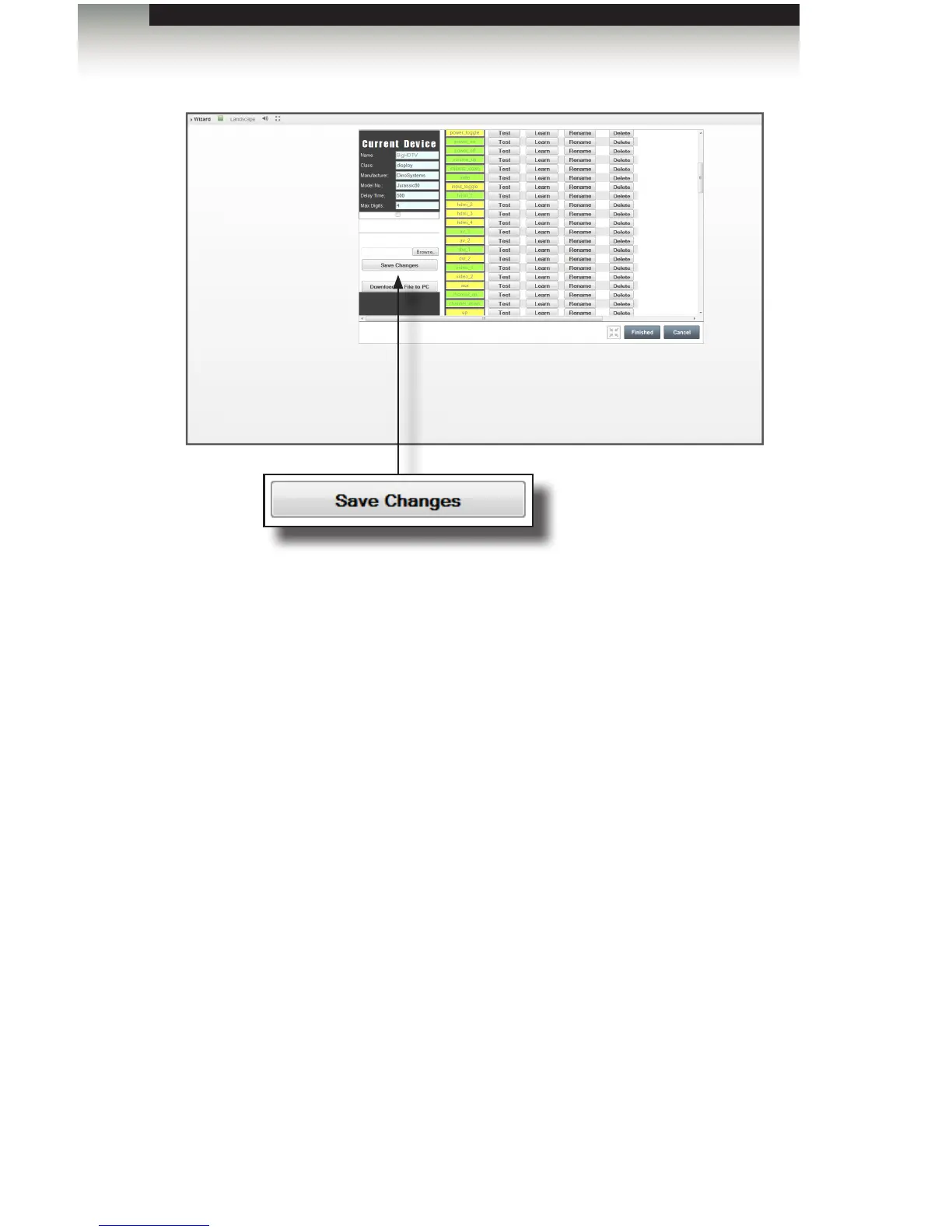
12. Once a new device has been learned, you should click the Download IR File to PC
button to download and save the new device IR le to your computer.
13. PACS will prompt to Open or Save the le. We recommend that you click Open in
order to check and view the le before saving it.
14. Verify that the commands contain data, and click File > Save as... and enter a location
and lename for the new le. Do not use the ir_emitter_xml.xml lename,
as it will overwrite earlier stored les. We recommend that you use a lename that
contains the manufacturer name and model number of the device, so you can easily
identify the le later.
15. Click Save to actually save the le to your computer.
16. Repeat the above procedure for each device you wish to add to the PACS.
Learning a New Device
Appendix



 To Next Page