page | 59
Adding Rooms
Using the GAVA Wizard
Function Keys
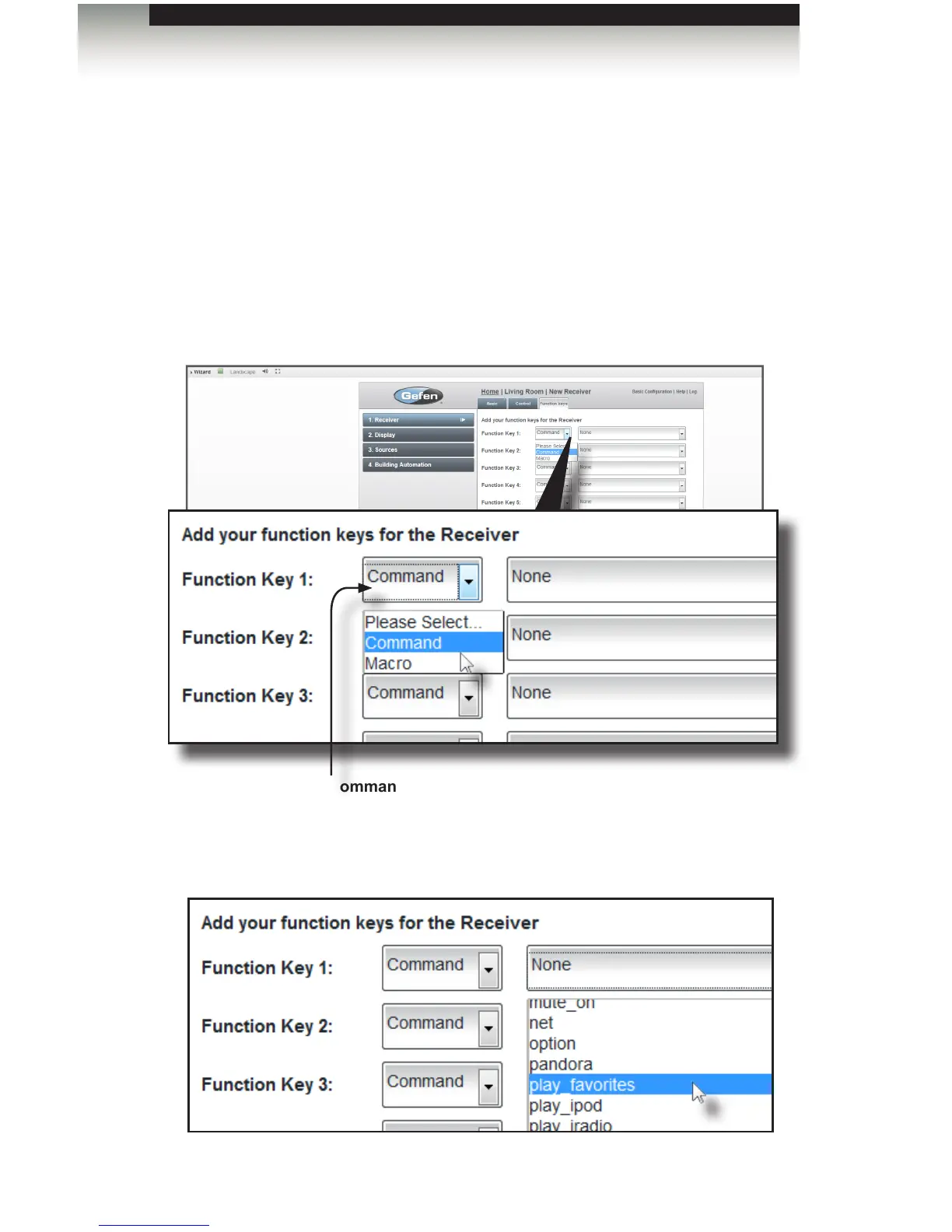
Function keys can be assigned to any of the commands that are available from the
drop-down list for the current device. For this example, we will assign two commands:
“play_favorites” and “Pandora”.
1. Once the control-type is selected (IP, RS-232, IR), click the Next button near the
bottom of the Control tab to advance to the Function keys tab.
2. From the drop-down list for Function Key 1, scroll down and select play_favorites.
3. From the drop-down list, scroll down and select play_favorites.
Command / Macro selection box
Select either Command or Macro from the drop-down list.
Macros must be created before they can be selected..



 To Next Page