page | 98
Events are any data that are processed by GAVA. If you look in the Log while pressing
buttons, then you’ll see both commands and feedback. Any of this data can be used to
trigger a macro. Although similar to Macros, an Event adds a “conditional” before is it
executed.
Example 1
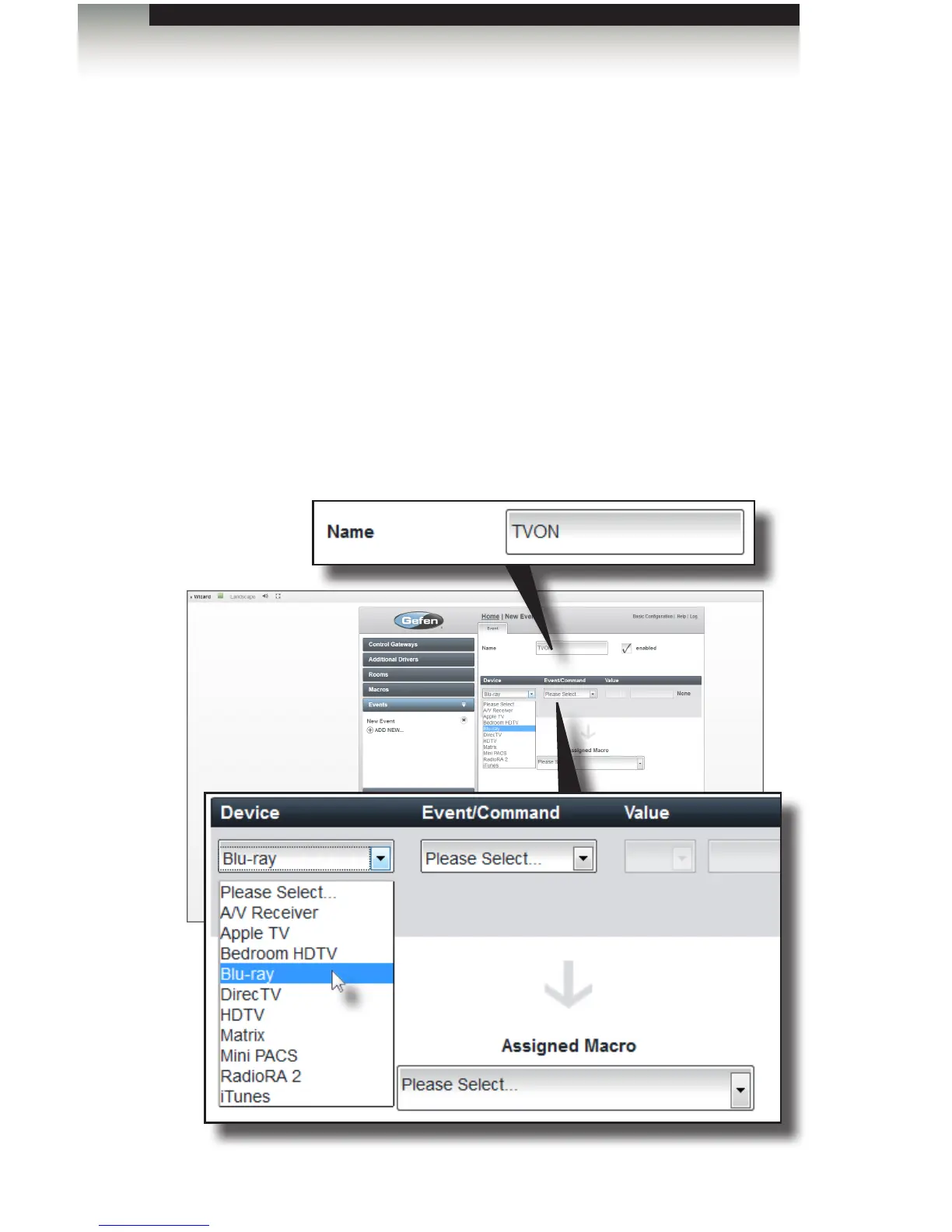
In the example, below, we will create a very simple event that will turn on the TV when
the play button is pressed on the Blu-ray player.
1. From the Home screen, open the Events tab.
2. Click ADD NEW...
3. Type a descriptive name for the event in the Name eld. For this example,
we’re going to call the event “TVON”.
Using the GAVA Wizard
Creating Events



 To Next Page