page | 97
Creating Macros
Using the GAVA Wizard
6. Click the Save and Close button to save the changes.
7. Click the Finish Project button to go to the GUI-Screens tab, then click the Create
cong button to generate the desired GUI.
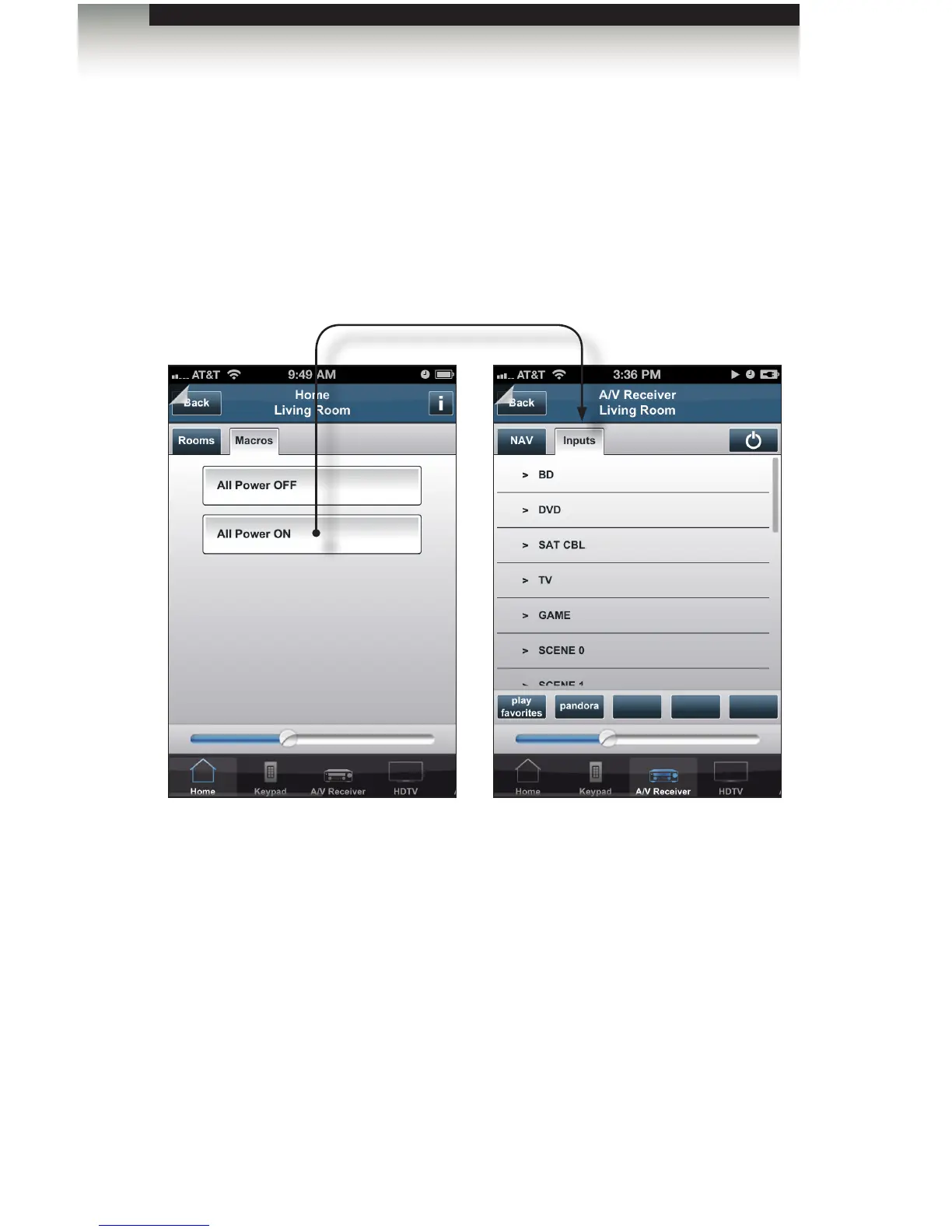
8. Load the GAVA GUI on the desired mobile device. Click the Macros tab to display the
“All Power OFF” and “All Power ON” macros.
9. Tap the “All Power ON” macro. Once this macro is executed, the Inputs tab of the
A/V Receiver device will automatically be displayed.



 To Next Page