page | 42
Adding Elements
Using the GAVA Wizard
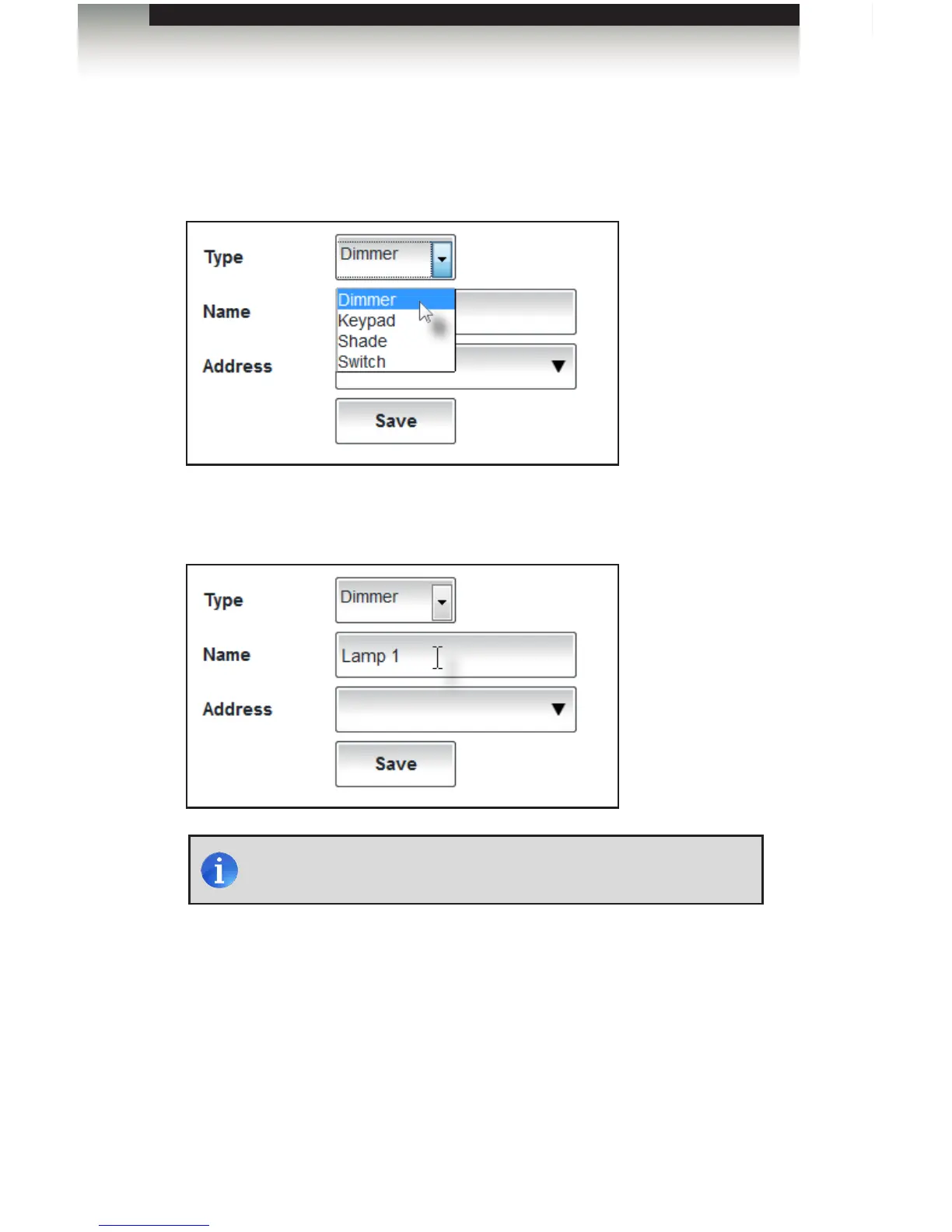
Adding a Dimmer
1. Select Dimmer from the Type drop-down list.
2. Type an identier for this device in the Name eld.
3. Select the address from the Address drop-down list (see next page). This list is
automatically created from the data in the Lutron .xml le.
NOTE: Special characters (e.g. apostrophes, quote marks, etc.) will
be ignored when the element is added to the list box.



 To Next Page