page | 75
Adding Rooms
Using the GAVA Wizard
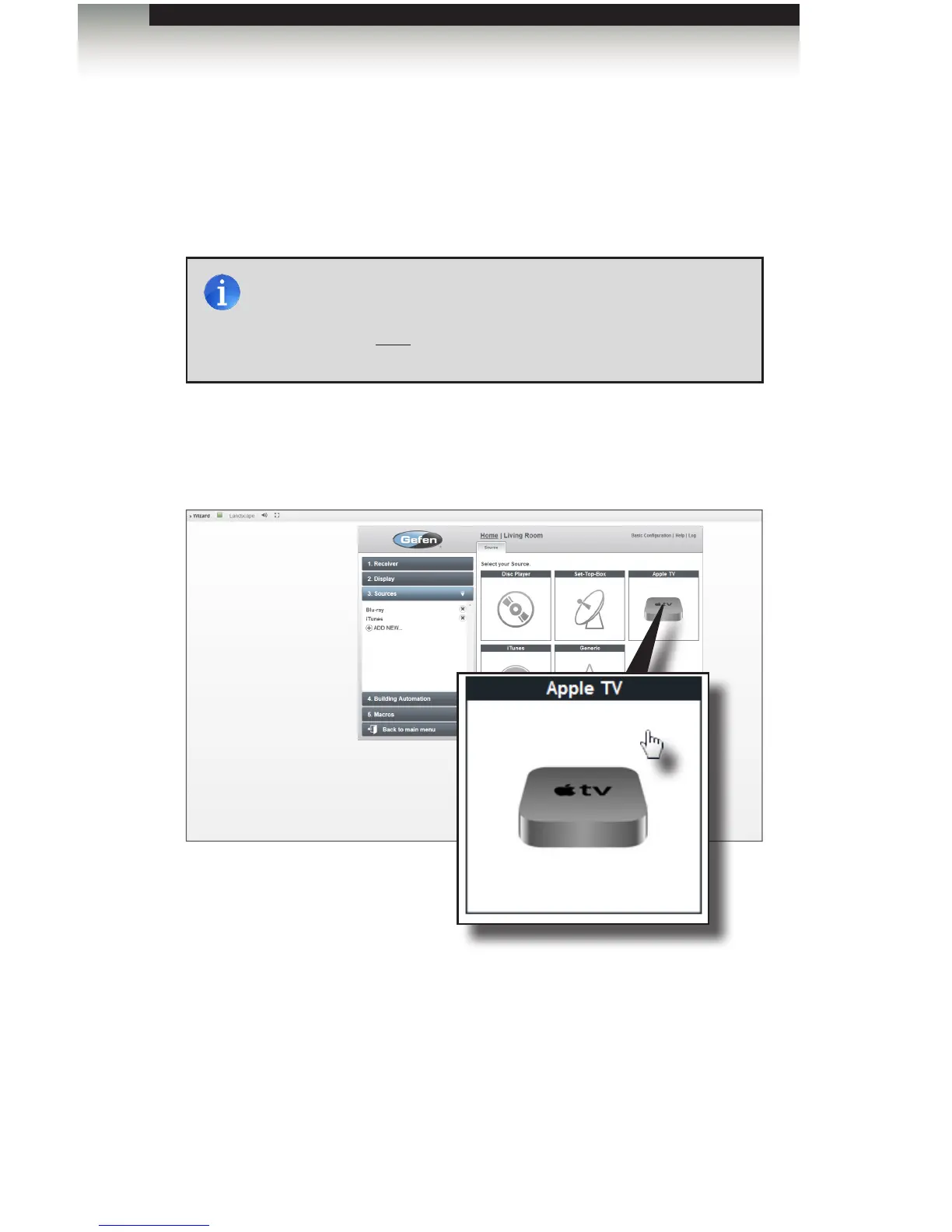
Using Apple TV® with the GAVA
The GAVA allows direct IP control of your Apple TV (series 2 and 3). Apple TV can also
access your iTunes music collection. When congured, an Apple TV device control will
appear in the Device Panel within the GUI. Let’s look at an example.
1. Click the Sources sidebar button on the left portion of the screen.
2. Click ADD NEW...
3. Click the Apple TV icon.
4. Provide a name for the Apple TV in the Name eld.
5. Enter the IP Address of the Apple TV in the IP Address eld.
NOTE: Before proceeding, make sure that iTunes is installed and
operating correctly on your computer. The computer that is running
iTunes should be connected to the audio inputs of the A/V receiver.
“Home Sharing” must be enabled on the Apple TV in order for the
GAVA to control it.



 To Next Page