page | 74
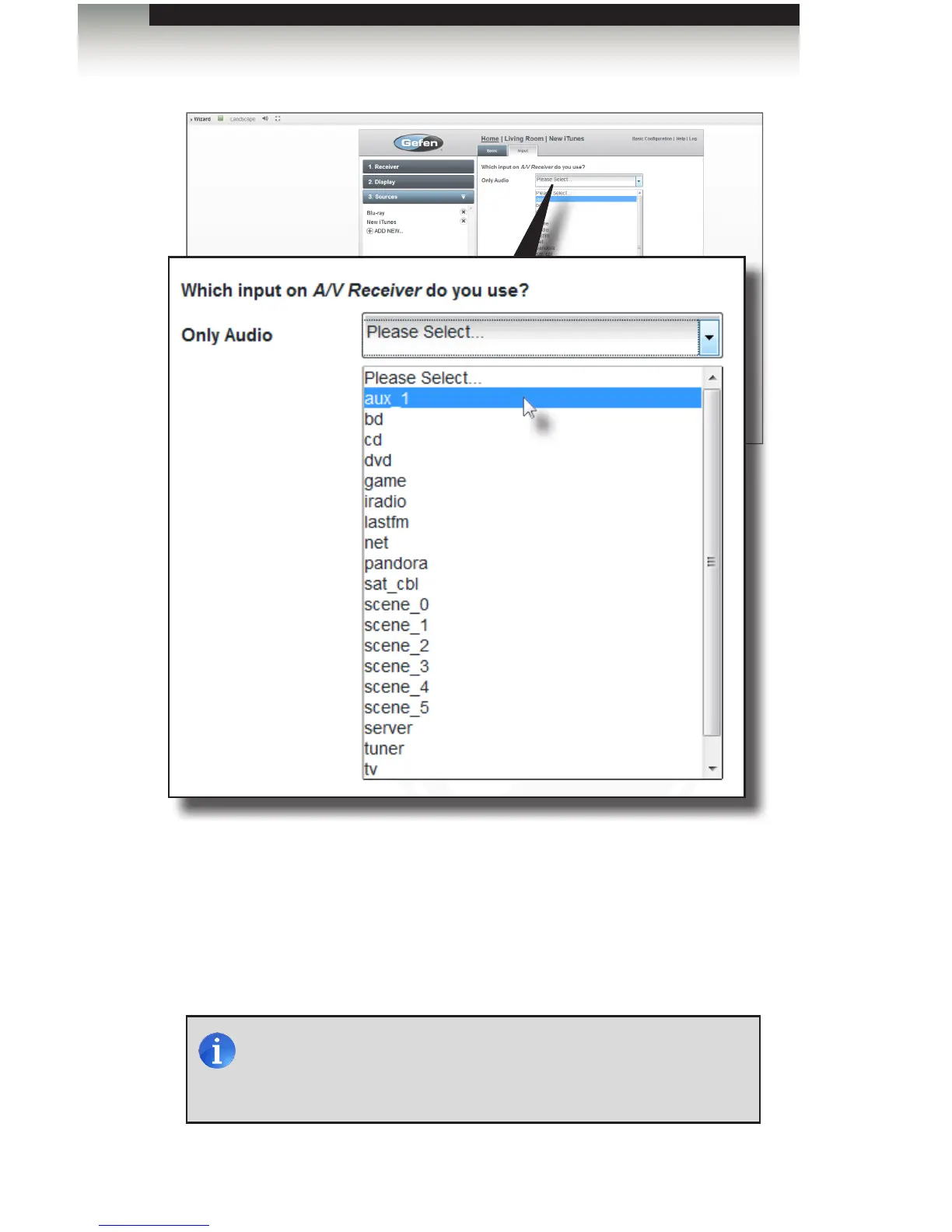
7. Click the Save button in the lower-right portion of the screen. The iTunes device will
be displayed under the Sources tab, on the left.
Adding Rooms
Using the GAVA Wizard
NOTE: GAVA uses the Apple “Remote” protocol to control the iTunes
player. The player must be “paired” with GAVA before it will work.
See Pairing iTunes with the GAVA for instructions on pairing with
iTunes.



 To Next Page